How to Use eSIM Sms for Travel: Steps and Pitfalls to Avoid
10/26/2026
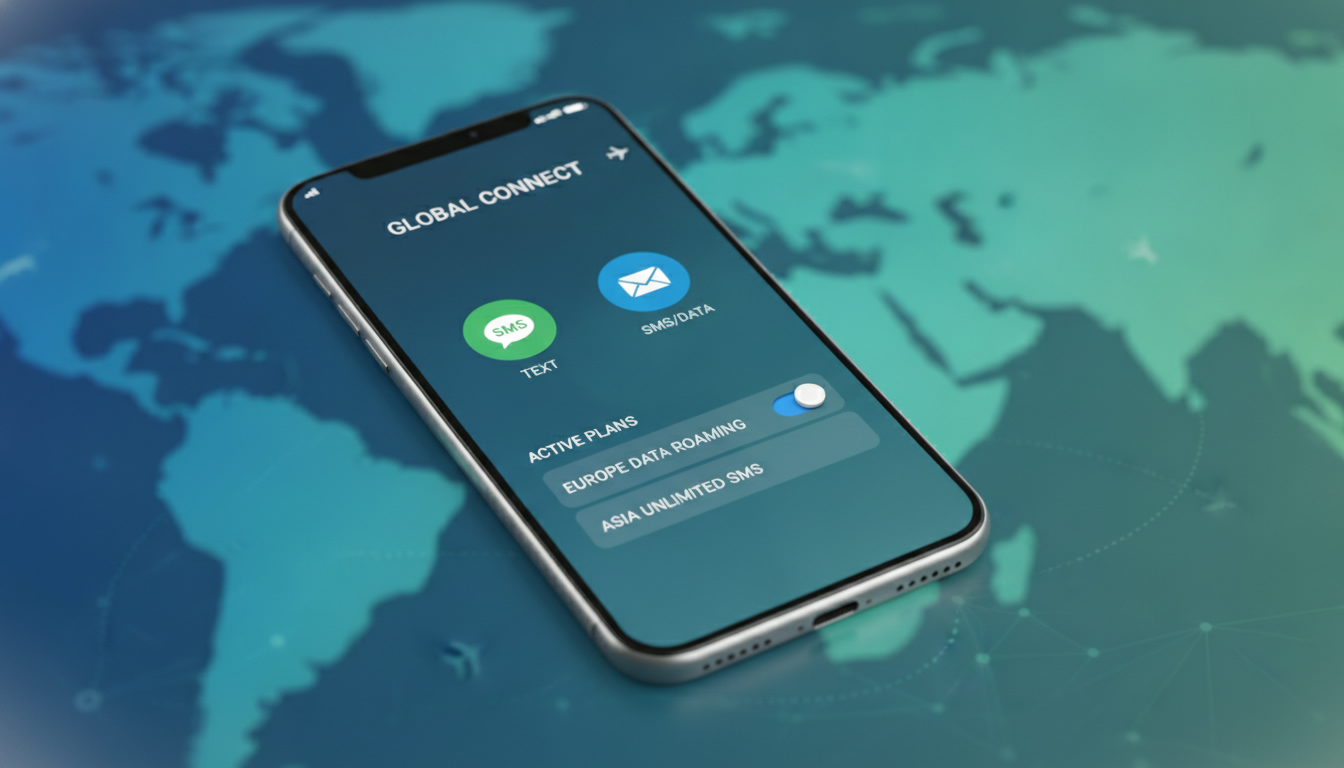
How to Use eSIM for Sending and Receiving SMS While Traveling: A Practical Guide
When you switch to an eSIM for your travels, the big question is: can you still send and receive SMS like you did with your physical SIM card? The short answer is yes, but there are important details and pitfalls to understand if you want your texting experience to stay smooth on the road.
I always start by clarifying that an eSIM with a phone number supports SMS just like a traditional SIM, but a data-only eSIM does not. This distinction is crucial for travelers who rely on texting for communication.
Understanding eSIM SMS Functionality: What Works and What Doesn’t
An eSIM (embedded SIM) is a digital SIM that lets you activate a cellular plan without a physical card. However, not all eSIMs are created equal when it comes to SMS:
- eSIM with voice and SMS support: These eSIMs come with a phone number and allow sending and receiving SMS over the cellular network just like a physical SIM.
- Data-only eSIM: These provide internet access but do not support traditional SMS messaging. Apps like WhatsApp or iMessage work over data, but standard SMS won’t.
The key mechanism here is that SMS relies on the cellular network’s signaling channels, which require a phone number assigned to the SIM profile. Without this, the device cannot send or receive standard text messages.
This explains why an eSIM labeled “data only” cannot handle SMS.
The Difference Between eSIM and Physical SIM for SMS
The process of sending an SMS via an eSIM is identical to that of a physical SIM because both use the same cellular network protocols (GSM or LTE signaling). However, the trap I see often is assuming any eSIM supports SMS — it doesn’t.
The consequence: if you buy a data-only eSIM without voice/SMS capabilities, you’ll be frustrated when your texts don’t go through.
Another practical point: some phones require you to set the default line for SMS if you have multiple profiles active (physical SIM + eSIM). Failing to do this can cause messages to send from the wrong number or fail altogether.
Step-by-Step Guide: Sending and Receiving SMS Using an eSIM While Traveling
Imagine you’re traveling abroad and want to use an eSIM for local connectivity while keeping your original number active on your physical SIM. Here’s how I’d approach sending and receiving SMS smoothly:
Step 1: Choose the Right eSIM Plan with SMS Support
Start by selecting an eSIM provider that explicitly offers voice and SMS services alongside data. For example, providers like Simbye or BNESIM offer plans with unlimited SMS included.
According to MyBestSim’s latest comparison, these providers also offer promo codes like MYBESTSIM or MYBESTSIM20 for discounts.
Step 2: Activate Your eSIM Profile Correctly
Once purchased, scan the QR code or enter the activation details on your phone. Make sure:
- Your device supports dual SIM functionality with one physical SIM and one active eSIM.
- You assign the new eSIM as your default line for calls and messages if you want to send SMS from that number.
A common mistake is activating only data on the eSIM without enabling voice/SMS services in settings, which leads to failed text delivery.
Step 3: Test Sending an SMS Before You Travel
Before leaving home, send a test message from your new eSIM number to confirm it works. This step avoids surprises abroad where troubleshooting can be difficult due to roaming restrictions or limited support.
Step 4: Receiving SMS on Your eSIM Abroad
Receiving texts works transparently as long as your phone remains connected to the cellular network associated with your active eSIM profile. However, if you keep your physical SIM active simultaneously, make sure roaming settings are configured properly:
- Disable roaming on your physical SIM if you don’t want messages routed there.
- Keep roaming enabled on your eSIM if it’s local or international roaming capable.
Failing this can cause missed messages or confusion about which number receives texts.
Common Pitfalls When Using eSIM for SMS on the Road
I’d advise against assuming all messaging apps behave the same way with an eSIM. Here are some traps I’ve identified:
- Using data-only profiles expecting standard SMS: As explained, no phone number means no traditional texting.
- Overlooking default line settings: On iPhones and many Androids, if you don’t set which line handles SMS, messages may send from your physical SIM unexpectedly.
- Ignoring network compatibility: Some carriers restrict SMS services on certain MVNO or virtual operators’ profiles embedded in their eSIM offerings.
- Forgetting about security implications: Unlike app-based messaging (Signal, WhatsApp), standard SMS over cellular networks is less secure and vulnerable to interception regardless of SIM type.
A field observation worth noting: when switching between multiple active profiles (physical + several eSIMs), phones sometimes delay message delivery due to network registration conflicts. This happens because each profile negotiates its own connection independently, causing temporary gaps in service.
Using International SMS with Your Travel eSIM
Travelers often ask about sending international texts using an eSIM abroad. Here’s what you need to know:
- If your travel eSIM includes voice/SMS capabilities with a local phone number, sending international SMS works exactly as it would from any local SIM.
- Rates vary by provider; some include unlimited international texting while others charge per message.
- Data-only plans require using internet-based messaging apps instead of traditional SMS for international communication.
For example, ESIM2Fly offers global coverage supporting incoming free SMS in 144 countries but requires checking if outgoing international texting is included in your plan.
Troubleshooting Common Issues With SMS on eSIM
If you encounter problems sending or receiving texts via your travel eSIM, try these steps:
- Verify your plan includes voice/SMS: Data-only plans won’t work.
- Check default line settings: On iOS go to Settings > Messages > Send & Receive; on Android check Dual SIM settings.
- Restart your device: Network registration refresh often resolves temporary glitches.
- Confirm network compatibility: Some phones need carrier-specific APN settings even for SMS.
- Disable conflicting profiles: If multiple active lines cause confusion, temporarily disable others.
If issues persist after these steps, contacting your provider’s support is essential since some problems stem from backend provisioning errors.
The Benefits of Using an eSIM for SMS While Traveling
Switching to an eSIM brings clear advantages beyond just convenience:
- Instant activation: No need to swap physical cards; activate multiple numbers remotely.
- Multiple profiles: Manage personal and travel numbers simultaneously without juggling SIM cards.
- Better security: GSMA specification SGP.22 governs remote provisioning of eSIMs ensuring secure profile downloads.
However, keep in mind that while remote provisioning is secure, standard cellular SMS itself remains vulnerable compared to encrypted messaging apps.
Device Compatibility With eSIM for Text Messaging
Not all devices handle multiple SIM profiles equally well when it comes to messaging:
| Device Type | Dual SIM Support | Default Line Selection | Notes |
|---|---|---|---|
| iPhone XS and later | Yes | Yes | Allows separate voice/data lines |
| Samsung Galaxy S20+ | Yes | Yes | Supports dual active lines |
| Google Pixel 5 | Yes | Yes | Requires manual APN configuration sometimes |
Always check manufacturer documentation because improper setup can lead to lost messages or failed sends despite having an active plan.
Where To Find Reliable Travel-Friendly eSIM Providers Supporting SMS
To get started quickly with an SMS-capable travel eSIM, I recommend checking out providers featured on MyBestSim — they aggregate verified offers from top vendors including Simbye (ranked #5) and BNESIM (#6), both offering promo codes like MYBESTSIM for discounts on unlimited plans including calls and texts.
For more insights into specific providers’ features and deals tailored for travelers who need reliable texting abroad, see my detailed reviews of Marcopolo eSIM and Firsty eSIM.
By understanding these practical steps and common pitfalls related to using an eSIM for sending and receiving SMS while traveling, you can confidently switch without losing access to essential texting services during your trips.
FAQ
Can I send SMS using any eSIM while traveling?
No, only eSIMs with voice and SMS support allow sending standard SMS. Data-only eSIMs provide internet access but do not support traditional SMS messaging.
How do I set up SMS on my phone with an eSIM?
After activating your eSIM, set it as the default line for calls and messages in your phone’s settings. This ensures SMS are sent from the correct number when multiple SIM profiles are active.
Will I receive SMS on my eSIM when abroad?
Yes, as long as your phone is connected to the cellular network of your active eSIM profile and roaming settings are configured properly, you will receive SMS messages while traveling.
What common issues affect SMS on eSIMs during travel?
Common problems include using data-only eSIMs expecting SMS, not setting the default line for messaging, network compatibility issues, and conflicts from multiple active SIM profiles causing delayed or failed messages.
Can I send international SMS with a travel eSIM?
If your travel eSIM includes voice and SMS with a local number, you can send international SMS like a regular SIM. However, rates vary by provider, and data-only plans require internet-based messaging apps instead.

David Mercer
David is a travel and consumer-tech writer focused on getting the lowest price on everything, data plans included. At Discount eSIM he hunts down the biggest verified discounts from the major providers and shows how to stack them at checkout.