How to Choose and Activate an eSIM Before Travel
11/14/2026
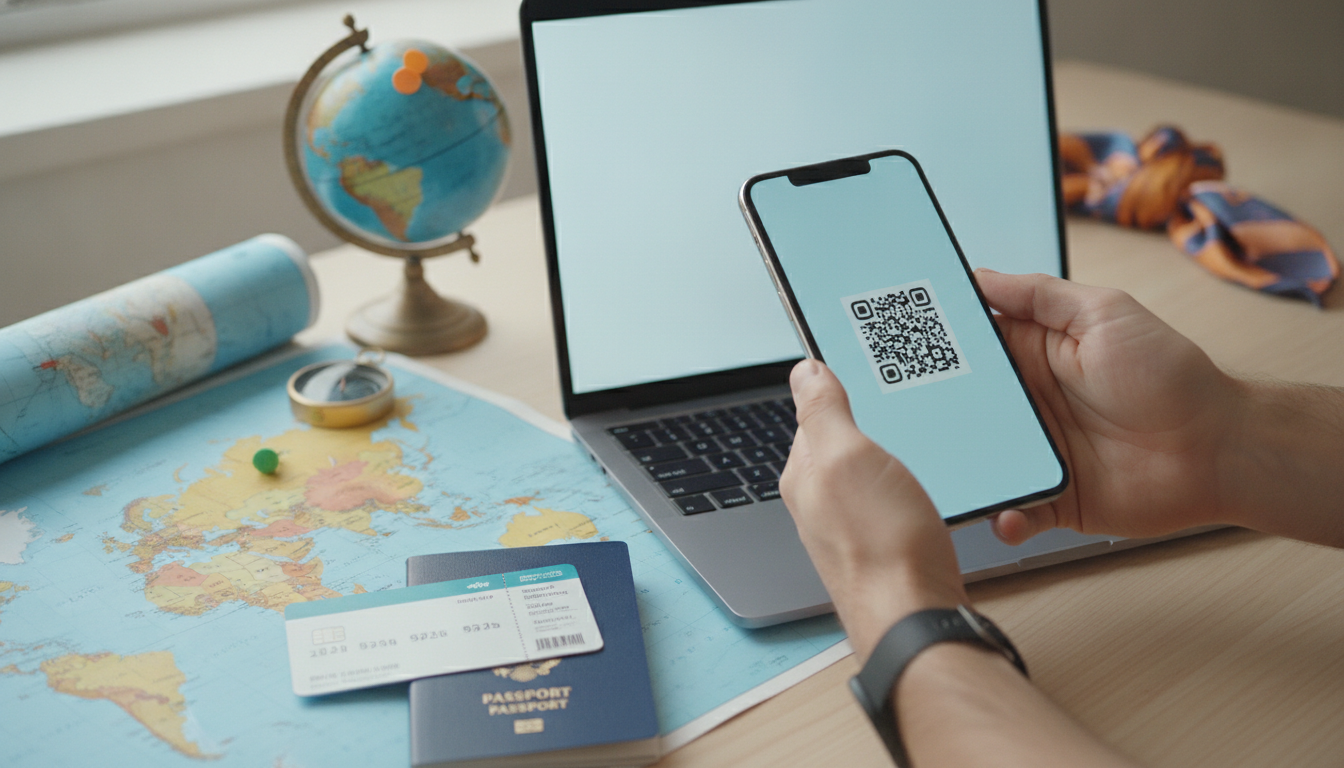
eSIMo’s listed sample plans include 1 GB for 7 days at $3.90, and the MyBestSim data shows a 20% discount with code MYBESTSIM on unlimited plans. Before buying, confirm that your destination, phone, and activation timing all match the plan.
What eSIMo Is Before You Buy
eSIMo is a travel eSIM service and mobile app offering prepaid data plans, international calling, and a second phone number. Its store and app listings describe coverage in more than 200 destinations, with connections using 3G, 4G, and 5G where the local network supports them.
The name can be confusing because “eSIMo” may appear as:
- The eSIMo website
- The eSIMo Android app
- The eSIMo Apple App Store listing
- A travel data plan shown inside the app
- A customer-service or account-login page
The company’s public offer includes plans ranging from 1 GB to unlimited data, and the website describes them as prepaid rather than monthly subscriptions. That distinction matters: a prepaid travel plan normally stops when its data allowance or validity period ends, while a monthly mobile plan can renew automatically.
MyBestSim currently lists eSIMo at rank 16, with a 4.0/5 rating and the code MYBESTSIM. The same listing identifies the discount as 20% off unlimited plans.
I would not assume that the code applies to every eSIMo package; enter it at checkout and verify that the final amount changes before paying.
| eSIMo detail | Published information |
|---|---|
| Sample data allowance | 1 GB |
| Sample validity | 7 days |
| Sample price | $3.90 |
| Destinations shown in the offer | Pakistan, Uzbekistan, Slovakia, New Zealand, Netherlands |
| Unlimited-plan discount | 20% |
| Promo code | MYBESTSIM |
| MyBestSim rating | 4.0/5 |
| MyBestSim ranking | 16 |
Those sample prices are destination-specific, not a universal eSIMo price list. A France plan, a regional Europe plan, and a global plan can differ in network access, data allowance, validity, and price.
Compare the exact destination and duration rather than judging the service from one low-cost package.
Check Compatibility Before Payment
Confirm the phone can use an eSIM
An eSIM is a digital SIM profile installed in the phone rather than a removable plastic card. The handset must support eSIM technology, and it must not be locked to another carrier.
On an iPhone, check Settings > General > About for an EID and look for the option to add an eSIM under Settings > Cellular. On Android, the wording depends on the manufacturer; common paths include Settings > Network & internet > SIMs or Settings > Connections > SIM manager.
A phone bought through a carrier may be SIM-locked even when its model technically supports eSIM. If the device is locked, the eSIM profile can download successfully but fail to register on the network.
That is a particularly expensive mistake because the plan’s validity may begin before you solve the lock.
I always start by checking the exact phone model and carrier-unlock status while I still have access to Wi-Fi. Do not rely only on the phone’s marketing name: regional versions of the same model can have different SIM capabilities.
Match the plan to the way you travel
Before checkout, verify these items:
- Destination country or countries
- Included data amount
- Validity in days
- Whether the plan is data-only
- Supported network generations
- Hotspot or tethering rules
- Activation trigger
- Refund conditions
The eSIMo app listings describe travel connectivity across 200+ destinations, but that does not mean every plan covers every country under one package. A single-country plan may be cheaper for a short visit, while a regional plan can avoid a second purchase when an itinerary crosses borders.
The most important technical distinction is the activation trigger. Some travel eSIMs begin their validity when installed; others begin when they first connect to a supported network.
If eSIMo’s checkout or installation instructions specify a trigger, follow that wording. Installing the profile at home when the clock starts immediately can waste days before departure.
For a broader explanation of how digital SIM profiles work, the eSIM setup guide is useful before you reach the checkout screen.
Buy and Install eSIMo Without Starting the Clock Too Early
Purchase the correct package
- Select the destination rather than searching only by region.
- Choose the data allowance and validity period.
- Read the network and activation conditions.
- Apply
MYBESTSIMif the checkout supports the eSIMo discount. - Confirm the discounted total before payment.
- Save the QR code, activation code, and account email offline.
A common mistake is applying a discount code to an unlimited plan and assuming every line item must fall by 20%. The code listed by MyBestSim is specifically described as 20% off unlimited plans, so a limited 1 GB, 7-day, $3.90 sample plan may not receive the same reduction.
Do not delete the purchase email after installation. If the phone is reset, the eSIM profile is removed, or the installation fails, the QR code and activation details may be needed again.
Keep them in a secure note or download the receipt while connected to reliable Wi-Fi.
Install the profile
Install the eSIM while connected to Wi-Fi, preferably before leaving home but only after checking when validity begins.
- Open the eSIMo installation email or app.
- Choose Add eSIM in the phone’s cellular settings.
- Scan the QR code or enter the activation details manually.
- Label the line clearly, such as “eSIMo Travel.”
- Keep your primary SIM available for calls and text messages.
- Set eSIMo as the mobile-data line only when you are ready to use it.
If the QR code is displayed on the same phone, scanning it with that phone is impossible. Use the manual activation fields or display the code on a second screen.
Repeatedly scanning an already-installed profile can create confusion without fixing a network-registration problem.
Turn It On at the Destination
When you land, enable the eSIMo line and select it for cellular data. Leave data roaming off on your primary SIM unless you deliberately want to use your home carrier’s roaming service.
The precise settings vary by phone, but the safe sequence is:
- Turn on the eSIMo line.
- Select it as the mobile-data SIM.
- Enable data roaming for the eSIMo line if eSIMo’s instructions require it.
- Disable automatic mobile data switching.
- Test a web page before opening data-heavy apps.
- Keep your home SIM active for incoming texts only if your carrier permits that without roaming charges.
This is where many installations fail. If the eSIM is selected for data but roaming is disabled when the provider requires roaming, the phone sees the profile yet cannot pass traffic.
Conversely, if data roaming remains enabled on the home SIM, background synchronization can create charges from the primary carrier.
When the signal appears but data does not work, first toggle airplane mode for several seconds, then restart the phone. If that fails, check the eSIMo installation instructions for an Access Point Name, or APN.
An incorrect APN prevents the phone from routing data even when the network name and signal bars are visible.
Use Data Carefully and Handle Support
Prevent silent data consumption
Video backup, app updates, cloud photo synchronization, and automatic operating-system downloads can exhaust a small plan quickly. Before departure, restrict background data for the apps you do not need.
I would also disable automatic network selection only when eSIMo’s instructions identify a specific supported network. In border regions, the phone may attach to a stronger network in a neighboring country; that can create registration problems if the plan is country-specific.
Watch for these warning signs:
- Signal bars with no data connection
- A plan showing installed but not active
- The phone using the home SIM for data
- A rapidly falling data balance
- A network name that changes near a border
If the balance drops unexpectedly, stop streaming and check which SIM is marked as the data line. The mechanism is simple: the operating system routes background traffic through the selected data SIM, not necessarily the line you intended to use.
Find the right eSIMo help channel
For eSIMo customer service, use the contact route shown in the official eSIMo website or app rather than a random social-media account. Have the order number, destination, phone model, operating-system version, and a screenshot of the error ready.
The eSIMo login is useful for retrieving purchases and account information, but logging in does not itself activate a plan. Activation occurs through the phone’s eSIM settings and the provider’s network conditions.
If a plan fails immediately, do not remove the eSIM before contacting support. Deleting the profile can remove diagnostic information and may prevent a second installation if the QR code is limited.
First record the error, confirm the selected data line, and check whether the phone is connected to the supported network.
FAQ
What exactly is eSIMo, and what does it offer?
eSIMo is a travel connectivity service offering prepaid eSIM data plans, international calling, and an additional phone number. Its plans cover more than 200 destinations, with 3G, 4G, or 5G access where supported. Packages range from small fixed allowances to unlimited data, depending on the destination and validity period.
How can you check whether your phone supports eSIMo?
Confirm that your phone supports eSIM technology and is unlocked from its carrier. On iPhone, look for an EID under Settings > General > About and an Add eSIM option under Cellular settings. Android menus vary, but Network & internet or SIM manager usually reveals compatible eSIM settings.
When should you install and activate an eSIMo plan?
Install the eSIM while connected to reliable Wi-Fi, but first determine when its validity begins. If activation starts during installation, wait until shortly before travel; if it begins upon connecting to a supported network, installing at home is generally safer. Follow eSIMo’s specific activation instructions to avoid losing unused days.
How do you apply the eSIMo unlimited-plan discount?
Enter the code MYBESTSIM during checkout and verify that the final price changes before paying. The listed offer provides 20% off unlimited plans, not necessarily every package. Limited plans, including the advertised 1 GB option, may remain at their standard price, so review the order summary carefully.
What should you do if eSIMo data fails?
Check that eSIMo is selected for mobile data, the required roaming setting is enabled, and automatic data switching is disabled. Then toggle airplane mode, restart the phone, and review any APN instructions. If the issue continues, contact official support with your order number, device details, destination, and error screenshot.

David Mercer
David is a travel and consumer-tech writer focused on getting the lowest price on everything, data plans included. At Discount eSIM he hunts down the biggest verified discounts from the major providers and shows how to stack them at checkout.