How to Set Up and Activate the eSIM on iPhone Xr in 2026
6/27/2026
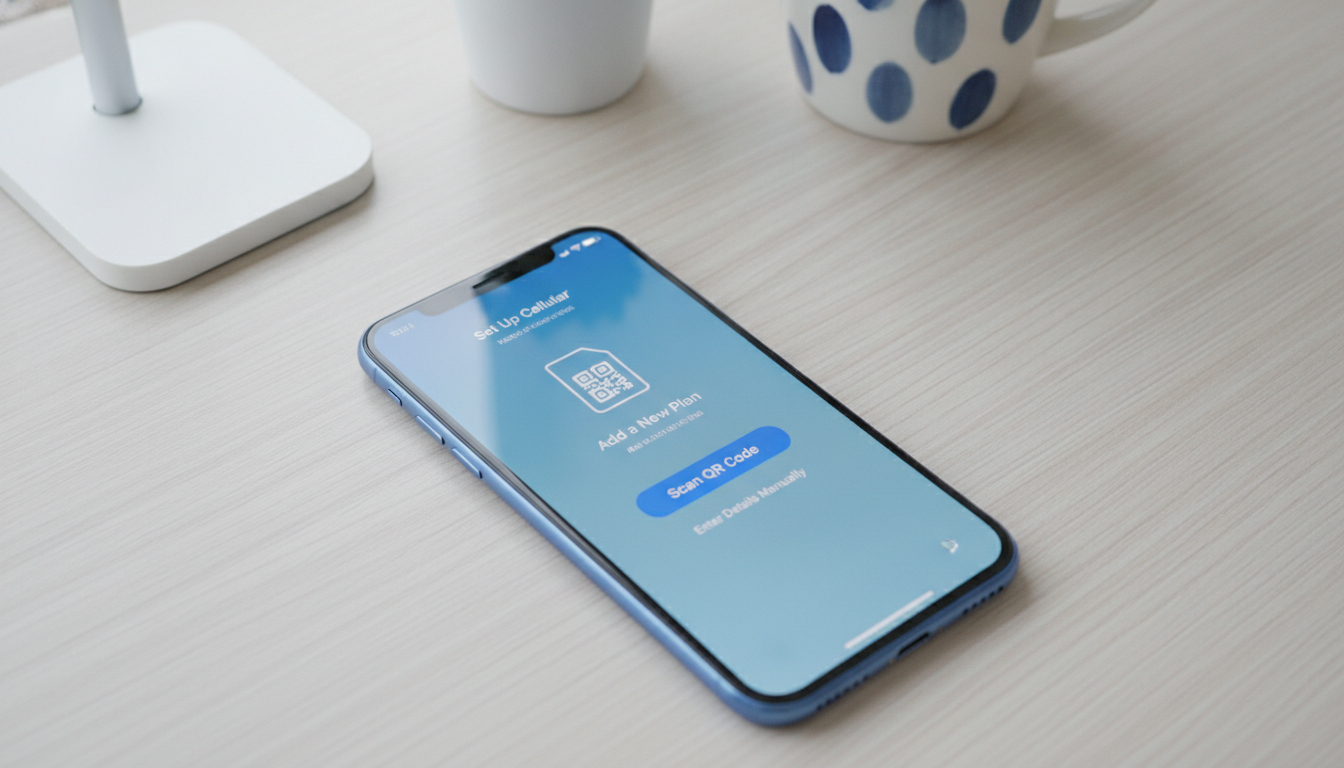
In short, what you'll discover in this article: Learn if the iPhone XR supports eSIM, how to activate and set it up, and the benefits of using eSIM over a physical SIM. We also cover dual SIM capabilities, carrier options, and troubleshooting tips for a smooth experience.
1. Understanding eSIM Compatibility with iPhone XR
The iPhone XR fully supports the eSIM feature, allowing users to activate a cellular plan without needing a physical SIM card. This compatibility means you can enjoy dual SIM functionality by combining a physical SIM with an eSIM on your device.
- The iPhone XR requires iOS 12.1 or later for eSIM functionality.
- It supports dual SIM with one physical nano-SIM and one eSIM.
- This feature is ideal for adding a second line for work or travel without swapping cards.
For official confirmation of compatibility, Apple’s support page details the iPhone eSIM setup.
2. How to Activate an eSIM on iPhone XR
Activating an eSIM on your iPhone XR is straightforward. Follow these steps:
- Open the Settings app.
- Tap Cellular or Mobile Data.
- Select Add Cellular Plan.
- Scan the QR code provided by your carrier or enter the details manually.
- Follow on-screen instructions to complete activation.
Your carrier must support eSIM activation, so check with them before starting.
2.1 Using a QR Code to Activate
Most carriers provide a QR code for easy activation:
- Open Settings > Cellular > Add Cellular Plan.
- Use your iPhone’s camera to scan the QR code.
- Confirm the plan and label it (e.g., Personal, Business).
This method is quick and avoids manual input errors.
3. Benefits of Using eSIM on iPhone XR
The benefits of using eSIM on the iPhone XR include:
- Convenience: No need to physically swap SIM cards when changing carriers or plans.
- Dual SIM functionality: Manage two numbers simultaneously—ideal for separating work and personal lines.
- Travel-friendly: Easily add local data plans when abroad without removing your home SIM.
- Space-saving: Frees up physical space inside the phone for other components.
These advantages make the eSIM a flexible option for modern smartphone users.
4. The Difference Between eSIM and Physical SIM on iPhone XR
Understanding how an eSIM differs from a physical SIM helps you decide how to use them:
| Feature | Physical SIM | eSIM |
|---|---|---|
| Form factor | Physical card | Embedded chip inside device |
| Activation | Insert card manually | Scan QR code or carrier app |
| Switching carriers | Swap cards | Download new profile digitally |
| Dual SIM capability | One per slot | Supports dual with physical SIM |
| Convenience | Less flexible | More flexible and remote |
The iPhone XR supports both simultaneously, offering flexibility unmatched by traditional SIM-only phones.
5. The Best Carriers Supporting eSIM for iPhone XR
Many major carriers now support eSIM activation on the iPhone XR. Some popular options include:
- Verizon
- AT&T
- T-Mobile
- Visible
- Google Fi
Check with your carrier to confirm availability and specific activation procedures.
6. The iPhone XR Dual SIM Capabilities Explained
With dual SIM capabilities, you can:
- Use two phone numbers on one device.
- Receive calls and texts from both lines.
- Choose which line to use for cellular data.
- Assign labels to each line for easy identification.
This is perfect for managing personal and business communications or combining local and international plans during travel.
7. How to Switch eSIM Plans on iPhone XR
Switching between eSIM plans is simple:
- Go to Settings > Cellular.
- Select the plan you want to switch to.
- Tap Turn On This Line or set it as default for calls/data.
- You can also remove old plans if no longer needed.
This digital flexibility eliminates the hassle of physically changing SIM cards.
8. The Process to Transfer eSIM on iPhone XR
Transferring an eSIM from one device to another involves:
- Contacting your carrier to release or transfer your current eSIM profile.
- On your new iPhone XR, activate the transferred plan via QR code or carrier app.
- Confirm activation in Settings > Cellular.
Not all carriers support direct transfer; some may require reactivation through their system.
9. Troubleshooting Tips for iPhone XR eSIM Issues
If you encounter problems with your iPhone XR eSIM, try these tips:
- Restart your iPhone after activation attempts.
- Ensure your device runs the latest version of iOS.
- Verify carrier support and plan status.
- Remove and re-add the cellular plan if it fails to activate.
- Reset network settings via Settings > General > Reset > Reset Network Settings.
If issues persist, contacting your carrier or visiting Apple Support is recommended.
For travelers looking to optimize their connectivity options, consider checking out best travel eSIM plans for Japan tourists or explore affordable global data solutions through providers like Airalo. Verified discount codes are also available at best verified eSIM discount codes to help you save even more on international travel data.
10. Conclusion
The iPhone XR eSIM feature offers a convenient way to manage multiple cellular plans without physical SIM swaps. Its compatibility with dual SIM functionality, ease of activation, and flexibility make it ideal for users seeking seamless connectivity options.
Explore carrier offerings and set up your eSIM confidently with these straightforward steps.
For more detailed comparisons and deals on travel data, visit discountesim.com.
FAQ
Does the iPhone XR support eSIM functionality?
Yes, the iPhone XR supports eSIM starting with iOS 12.1 or later. It allows dual SIM use by combining one physical nano-SIM with one eSIM for added flexibility.
How do I activate an eSIM on my iPhone XR?
To activate an eSIM, go to Settings, tap Cellular, then Add Cellular Plan. Scan your carrier’s QR code or enter details manually, then follow the on-screen instructions to complete activation.
What are the benefits of using eSIM on iPhone XR?
Using eSIM offers convenience by eliminating physical SIM swaps, enables dual SIM use for separate lines, and is travel-friendly by allowing easy addition of local plans without removing your main SIM.
Can I switch between multiple eSIM plans on the iPhone XR?
Yes, you can switch eSIM plans by going to Settings > Cellular, selecting the desired plan, and turning it on. You can also remove old plans when no longer needed.
Which carriers support eSIM activation for iPhone XR?
Major carriers like Verizon, AT&T, T-Mobile, Visible, and Google Fi support eSIM activation on the iPhone XR. Always check with your carrier for specific availability and activation steps.

David Mercer
David is a travel and consumer-tech writer focused on getting the lowest price on everything, data plans included. At Discount eSIM he hunts down the biggest verified discounts from the major providers and shows how to stack them at checkout.