How to Use Lidl Mobilny Operator eSIM Abroad Step by Step
11/4/2026
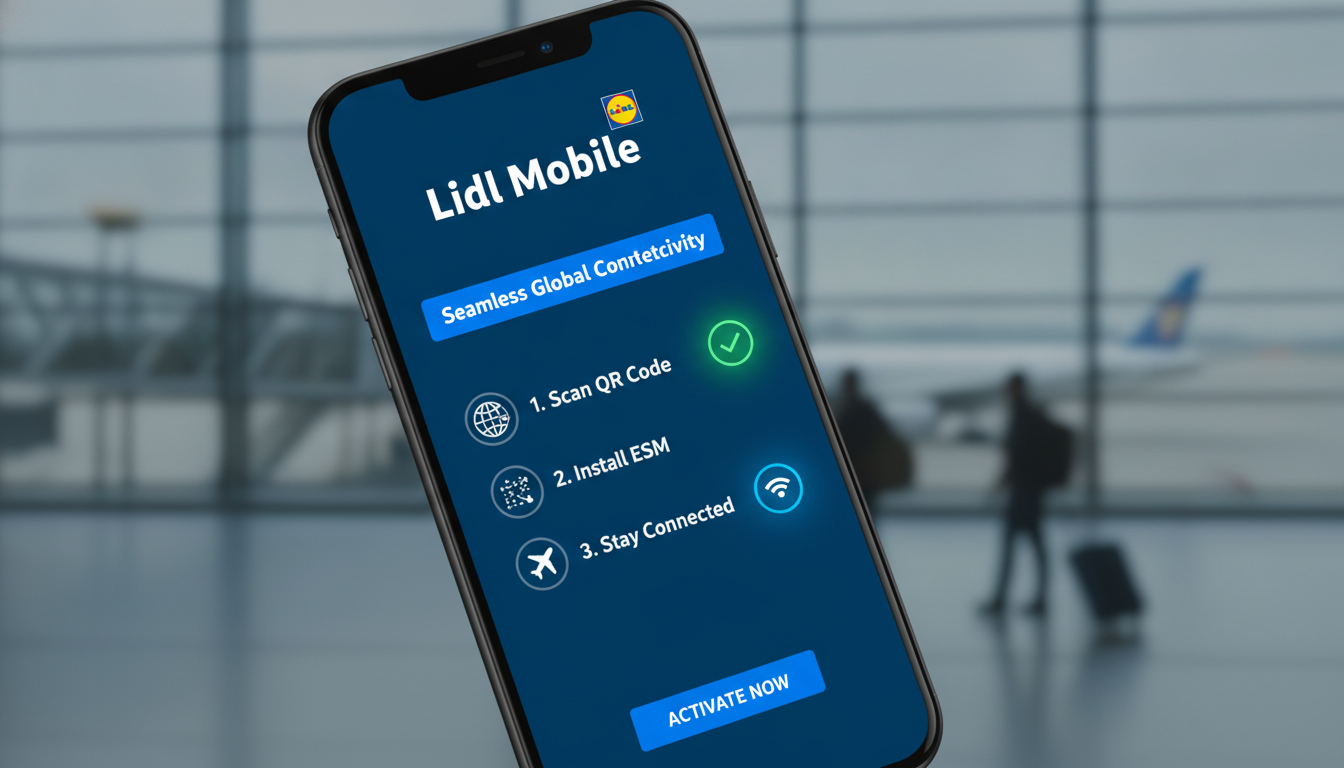
How to Use Lidl Mobilny Operator as an eSIM Traveler Abroad: Step-by-Step Guide and Pitfalls to Avoid
If you’re planning to travel abroad and want to use Lidl Mobilny Operator’s services via eSIM, you’re in the right place. Lidl is expanding its mobile operator ambitions as a virtual network operator (MVNO), offering prepaid plans and eSIM options that can save you money on data while traveling.
But setting up an eSIM from Lidl for international use isn’t always straightforward. I always start by checking compatibility and coverage before buying any plan, because the last thing you want is to lose connectivity mid-trip due to overlooked details.
Here’s a practical guide based on how travelers can activate and optimize Lidl Mobile’s eSIM abroad, including the common pitfalls and tips to get the best value from their mobile data packages.
Understanding Lidl Mobile Operator Plans and eSIM Options for Travelers
Lidl Mobilny Operator offers prepaid mobile plans with no long-term contracts, which is ideal for travelers who want flexibility. The plans are available directly through the Lidl Plus app, where you can purchase an eSIM without visiting a physical store.
This convenience is a big plus when you’re already on the road.
Key Features of Lidl Mobile Plans
- Prepaid plans only: No contract binding you; you pay upfront.
- eSIM availability: You can buy and activate an eSIM instantly via the Lidl Plus app.
- Data packages: Various data bundles tailored for different usage needs.
- Network coverage: Operates as an MVNO, meaning it uses established networks rather than building its own towers.
- Customer service: Accessible through the app or online portals.
Because Lidl operates as an MVNO, it relies on partner networks for coverage. This means your experience depends heavily on those underlying networks’ reach, especially abroad.
What You Need to Know About Coverage Abroad
Lidl’s mobile network coverage depends on roaming agreements with international operators. When traveling, your phone connects to local networks under these agreements, but the quality and speed can vary widely by country.
I’d advise against assuming uniform coverage everywhere; check the specific roaming partners Lidl uses in your destination country before relying solely on it.
For example, in many European countries, Lidl’s roaming partners provide 4G LTE speeds with reasonable latency, but outside Europe, speeds might drop or data caps may apply more strictly.
Step-by-Step Setup of a Lidl Mobile eSIM for Travel Use
Setting up your Lidl Mobile eSIM correctly is crucial to avoid losing connectivity or incurring unexpected charges. Here’s how I recommend doing it:
Step 1: Verify Your Phone’s eSIM Compatibility
Not all phones support eSIM technology. The GSMA specification SGP.22 governs remote eSIM provisioning, so your device must comply with this standard.
Most recent iPhones (XS and later), Google Pixels (3 and later), and Samsung Galaxy S20 and newer support eSIMs.
If you’re unsure whether your phone supports eSIM, check this detailed guide on how to verify if your phone is eSIM compatible.
Step 2: Purchase Your Lidl Mobile eSIM via the Lidl Plus App
Download the Lidl Plus app and create an account if you haven’t already. Within the app:
- Select your preferred prepaid plan.
- Choose the eSIM option instead of a physical SIM card.
- Complete payment directly in the app.
The app will then provide a QR code or automatic activation link to install the eSIM profile on your device.
Step 3: Install and Activate Your eSIM Profile
Scan the QR code or follow the activation instructions provided by Lidl Plus. Your phone will download the profile according to GSMA SGP.22 standards.
Field observation: If you try installing multiple profiles without deleting old ones first, some phones may default to the wrong profile for data roaming, causing connection failures abroad. Always delete previous travel or test profiles before activating a new one.
Step 4: Configure Data Roaming Settings Carefully
Once installed:
- Enable data roaming in your phone settings.
- Select the correct cellular plan as active for data usage.
- Disable automatic network selection if possible; manually choose a local network partner when abroad.
This avoids your phone switching between networks that may not be covered by Lidl’s roaming agreements, which can cause sudden loss of service or high charges.
Common Pitfalls When Using Lidl Mobile Abroad and How to Avoid Them
Travelers often make mistakes that cost them money or connectivity when using an MVNO like Lidl Mobile abroad. Here are some pitfalls I’ve seen repeatedly:
Overlooking Roaming Data Caps and Charges
Lidl’s prepaid plans have specific limits on roaming data usage depending on the country. Exceeding these caps can lead to throttled speeds or additional fees.
Unlike some major operators with unlimited roaming data, MVNOs like Lidl usually enforce strict thresholds.
Mechanism: When you exceed your roaming data allowance, your connection speed drops drastically or stops until you top up again.
Consequence: Unexpected loss of internet access during critical moments like navigation or communication.
Ignoring Phone Settings That Affect Roaming Behavior
Many travelers forget to adjust their phone’s network settings properly:
- Leaving automatic network selection enabled can cause your phone to connect to unsupported networks.
- Not enabling data roaming disables internet access abroad altogether.
- Using dual SIM phones without setting the correct default line for data leads to confusion and potential charges on another SIM.
Failing to Check Customer Service Accessibility Abroad
Lidl Mobile operator customer service is primarily accessible through digital channels like the app or website chat. If you encounter issues abroad without internet access, getting help becomes difficult.
I always recommend downloading offline troubleshooting guides or saving customer service contact info before departure.
Tips to Optimize Your Travel Data Savings with Lidl Mobile
To get the most out of a Lidl prepaid mobile plan while traveling internationally:
Choose Data Packages That Match Your Usage Pattern
Lidl offers various prepaid packages tailored for light browsing up to heavy streaming. Buying a package too small leads to overage charges; too large wastes money.
Use Wi-Fi Whenever Possible but Beware of Security Risks
Public Wi-Fi helps conserve mobile data but comes with security risks. Use VPNs when connecting over public hotspots.
Monitor Your Data Usage Regularly Through the App
The Lidl Plus app provides real-time usage stats—check it daily during travel so you don’t accidentally run out of data or exceed limits.
Consider Combining with Other Travel eSIM Providers for Backup
If you expect heavy international use outside Europe, combining a Lidl plan with another global travel eSIM from providers like Roamic or BNESIM (both ranked top by MyBestSim) can be smart. They offer unlimited plans with promo codes such as “MYBESTSIM” that reduce costs significantly compared to traditional roaming fees.
How Does Lidl Mobile Compare With Other Travel SIM Options?
While I focus here on practical setup and pitfalls rather than full comparisons, it’s worth noting that:
- As an MVNO, Lidl relies on existing networks rather than owning infrastructure.
- Its prepaid plans are competitive within Europe but may lack global reach compared to specialized travel eSIM providers.
- Customer reviews highlight affordability but sometimes mention slower speeds in rural areas due to network sharing.
For travelers seeking broader global coverage or unlimited data options at discounted rates, checking MyBestSim’s comparison tool is invaluable before committing exclusively to Lidl Mobile.
Managing Your Data Roaming With Confidence Using Lidl Mobile
Understanding how data roaming works under GSMA standards helps avoid surprises. For instance:
- The GSMA specification SGP.22 ensures secure remote provisioning of your eSIM profile.
- Phones adhering strictly to this standard allow seamless switching between home and roaming networks without manual intervention once set up correctly.
However, if your device doesn’t fully support these standards or if settings are misconfigured, roaming failures occur frequently—leading me again to stress verifying compatibility first.
For deeper technical insights into how data roaming functions under different operators’ policies, this article explains what is data roaming in detail and why it matters for travelers using services like Lidl Mobile abroad.
By following these steps carefully—checking device compatibility, purchasing through official channels like the Lidl Plus app, configuring settings properly, monitoring usage closely—you maximize your chances of enjoying affordable and reliable mobile service abroad with Lidl Mobilny Operator’s eSIM offers. Avoiding common traps like ignoring roaming caps or misconfiguring network selection saves both money and frustration during travel.
If you want more technical guidance on whether your phone supports eSIM technology before buying a plan from any provider including Lidl Mobile operator offers, see this detailed guide on how to check if your phone is eSIM compatible.
FAQ
How do I activate Lidl Mobile eSIM for travel?
To activate Lidl Mobile eSIM, download the Lidl Plus app, purchase a prepaid plan with the eSIM option, then scan the provided QR code to install the profile. Make sure to delete any old eSIM profiles to avoid conflicts before activation.
What phones are compatible with Lidl Mobile eSIM?
Most recent iPhones (XS and later), Google Pixels (3 and later), and Samsung Galaxy S20 or newer support Lidl Mobile eSIM. Verify your device supports GSMA SGP.22 remote provisioning to ensure compatibility.
How can I avoid extra roaming charges abroad with Lidl Mobile?
Monitor your data usage regularly through the Lidl Plus app and choose data packages that fit your needs. Also, disable automatic network selection and enable data roaming only on supported networks to prevent unexpected fees.
Does Lidl Mobile offer good coverage outside Europe?
Lidl Mobile relies on roaming agreements that provide solid 4G LTE coverage in many European countries. Outside Europe, coverage and speeds may vary, so check roaming partners in your destination before traveling.
What should I do if I lose connectivity while using Lidl Mobile abroad?
First, check your phone’s network settings to ensure data roaming is enabled and the correct eSIM profile is active. If issues persist, use offline troubleshooting guides or contact Lidl Mobile customer service via the app when internet access is restored.

David Mercer
David is a travel and consumer-tech writer focused on getting the lowest price on everything, data plans included. At Discount eSIM he hunts down the biggest verified discounts from the major providers and shows how to stack them at checkout.