How to Use Lnvpn Securely While Traveling in 2026
9/9/2026
How to Use LNVPN Securely and Effectively While Traveling: A Practical Guide
When traveling, securing your internet connection is crucial, especially if you rely on public Wi-Fi networks. LNVPN offers a privacy-focused VPN service paid exclusively with Bitcoin Lightning Network, designed to protect your online identity without the usual KYC (Know Your Customer) hurdles.
I’ll walk you through how to use LNVPN step-by-step, highlighting potential pitfalls and how to avoid them, so you can travel with peace of mind.
Setting Up LNVPN: Step-by-Step With Real Traveler Insights
Imagine Sarah, a frequent traveler who wants to keep her browsing private while hopping between airports and cafes worldwide. She chooses LNVPN because it accepts only Lightning payments, ensuring anonymity.
Step 1: Preparing Your Payment with Lightning Network
LNVPN requires payment exclusively via the Lightning Network, a Bitcoin layer-2 scaling solution. This means:
- Condition: You must have a Lightning-compatible wallet funded with Bitcoin.
- Mechanism: The Lightning Network processes microtransactions instantly and privately.
- Consequence: Without a funded Lightning wallet, you cannot activate LNVPN service.
Sarah always starts by funding her Lightning wallet before traveling. This avoids last-minute issues when she needs VPN access urgently.
Step 2: Installing the LNVPN Client Software
The LNVPN client is open-source and lightweight, available on platforms like Windows, macOS, and Linux. The setup involves:
- Downloading the client from the official repository (e.g., GitHub).
- Configuring it with the invoice generated after payment.
- Connecting to an LNVPN server.
A common mistake travelers make here is rushing the configuration without verifying the invoice details. Overlooking this can cause failed connections or payment mismatches.
Step 3: Connecting to an LNVPN Server
LNVPN servers use strong encryption methods based on WireGuard protocols enhanced for Lightning payments. When connecting:
- Condition: Your client must match the server’s protocol version.
- Mechanism: The encrypted tunnel routes your traffic securely through the VPN server.
- Consequence: Mismatched protocol versions or outdated clients lead to dropped connections or leaks.
Sarah checks for client updates regularly and tests her connection before relying on it in public spaces.
Avoiding Common Pitfalls When Using LNVPN on the Road
Travelers often face specific challenges when using VPNs like LNVPN abroad. Here are some pitfalls and how to avoid them:
Pitfall 1: Overlooking Payment Confirmation Timing
Lightning payments are fast but can sometimes lag due to network congestion or wallet issues.
- If you try to connect before your payment invoice is confirmed by the server, your session won’t start.
- Always wait for a confirmed payment notification before launching the VPN client.
Pitfall 2: Ignoring Local Network Restrictions
Some countries block VPN protocols or restrict Bitcoin network traffic.
- If you notice persistent connection failures, test alternative servers or switch your mobile data plan.
- Using an eSIM with verified discounts can help maintain connectivity; for example, check out verified eSIM discount codes at Discount eSIM for affordable international data plans that support VPN use seamlessly.
Pitfall 3: Neglecting DNS Leak Protection
Even with a secure VPN tunnel, DNS queries can leak if not properly configured.
- The LNVPN client supports DNS leak protection settings that must be enabled manually.
- Failure to do so exposes your browsing history despite VPN encryption.
I always verify DNS settings after installation because leaving them at default can compromise privacy unexpectedly.
The Benefits of Using LNVPN While Traveling
LNVPN stands out for several reasons that matter to travelers:
- Privacy Without KYC: Unlike many VPNs requiring identity verification, LNVPN operates without KYC, enhancing anonymity.
- Lightning Payment Exclusivity: Paying only via Bitcoin Lightning reduces traceability and adds a layer of financial privacy.
- Open Source Client: Transparency in software reduces risks of backdoors or data leaks.
- Strong Encryption Protocols: Based on WireGuard standards, ensuring fast and secure connections worldwide.
These features combine to give travelers like Sarah reliable protection against data snooping on insecure networks.
Troubleshooting Common Issues With LNVPN
Even with careful setup, issues may arise. Here’s a quick guide based on typical traveler scenarios:
Connection Drops After Payment Confirmation
This usually indicates:
- A mismatch between client and server protocol versions.
- Network interference blocking VPN ports.
Fix: Update your client software and try connecting via different ports if supported.
Invoice Not Generating or Payment Fails
This points to problems with your Lightning wallet or network congestion.
Fix: Restart your wallet app and ensure it has sufficient Bitcoin balance; retry payment after a short wait.
Slow Speeds or Latency Spikes
VPN speed depends on server load and network quality.
Fix: Switch servers or check your local internet connection; sometimes changing your eSIM data plan provider improves throughput significantly.
Understanding LNVPN Encryption Methods for Secure Travel
LNVPN uses WireGuard-based encryption enhanced for Lightning payments:
- It employs ChaCha20 for symmetric encryption combined with Poly1305 for message authentication.
- This combination ensures both confidentiality and integrity of data packets.
- The protocol is lightweight, reducing battery drain on mobile devices during long travel days.
Knowing this helps travelers trust that their data remains secure without sacrificing performance during streaming or browsing abroad.
How to Configure Your Travel Setup With LNVPN and eSIMs
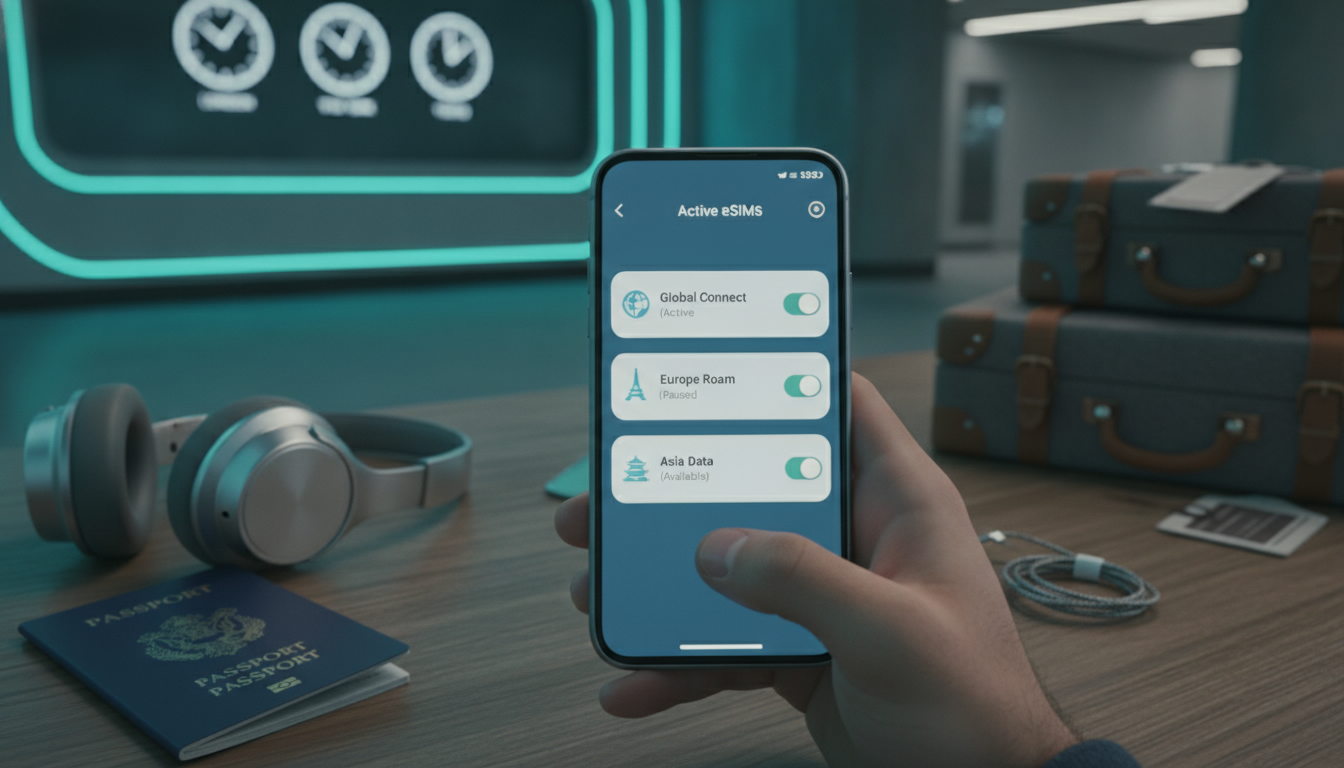
Combining LNVPN with an international eSIM is a powerful way to stay connected securely:
- Purchase an eSIM plan from providers offering verified discounts (see best verified eSIM discount codes for international travel).
- Activate the eSIM on your device before arrival.
- Set up LNVPN client software as described above.
- Connect using your new mobile data network secured by LNVPN’s encrypted tunnel.
This approach avoids unreliable hotel Wi-Fi and expensive roaming fees while maintaining privacy across borders.
Key Observations From Practitioners Using LNVPN Abroad
- When traveling in countries with strict internet controls, switching between multiple LNVPN servers helps maintain access because some IPs get blocked intermittently.
- If you don’t enable DNS leak protection explicitly in the client settings, your real location can be exposed despite active VPN encryption.
- Waiting for full confirmation of Lightning payments before initiating a connection prevents frustrating “payment pending” errors that disrupt workflow during travel transitions like airport layovers.
These insights come directly from understanding how the technology works under real-world constraints rather than theory alone.
If you want to maximize savings while using secure travel tech like eSIMs alongside services such as LNVPN, I recommend checking out discount codes at Discount eSIM. They regularly update verified offers that help reduce costs without compromising connectivity quality.
FAQ
How do I pay for LNVPN using the Lightning Network?
To use LNVPN, you must have a Lightning-compatible Bitcoin wallet funded with Bitcoin. Payments are processed instantly via the Lightning Network, so ensure your wallet is ready before activating the VPN service to avoid connection delays.
What should I do if LNVPN connection keeps dropping?
Connection drops often result from mismatched client and server protocol versions or network interference. Updating your LNVPN client and trying different VPN ports can help restore a stable connection.
Why is DNS leak protection important with LNVPN?
DNS leak protection prevents your browsing history from being exposed outside the VPN tunnel. LNVPN requires manual enabling of this feature to ensure your DNS queries remain private and your location stays hidden.
Can local network restrictions affect LNVPN usage abroad?
Yes, some countries block VPN protocols or Bitcoin traffic, causing connection failures. Switching servers, using mobile data, or activating an eSIM with verified discounts can help maintain VPN access while traveling.
How does LNVPN enhance privacy compared to other VPNs?
LNVPN offers privacy without KYC requirements and accepts only Bitcoin Lightning payments, reducing traceability. Its open-source client and WireGuard-based encryption provide transparent, secure, and fast connections ideal for travelers.

David Mercer
David is a travel and consumer-tech writer focused on getting the lowest price on everything, data plans included. At Discount eSIM he hunts down the biggest verified discounts from the major providers and shows how to stack them at checkout.