Troubleshooting Orange Travel Discount eSIM Activation Issues
9/20/2026
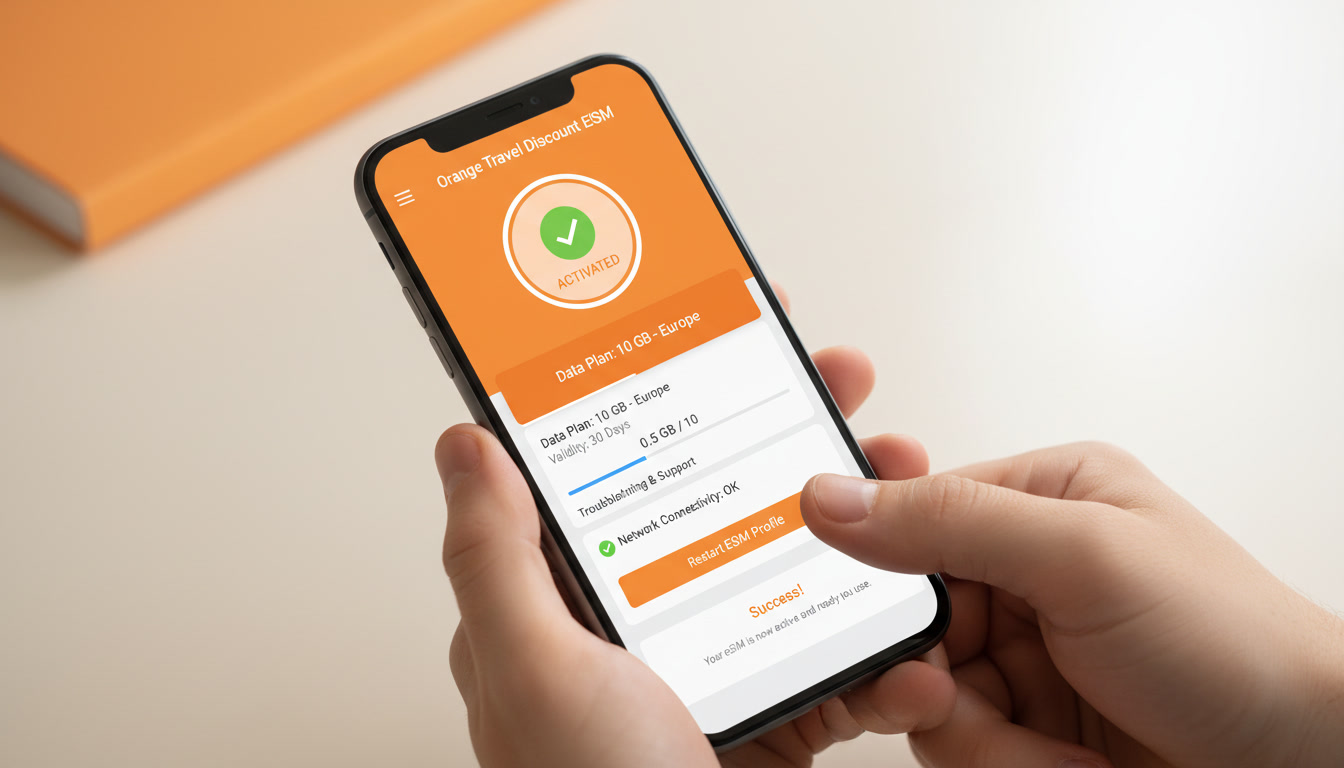
Troubleshooting Orange Travel Discount eSIM Activation Issues
Activating your Orange Travel eSIM to benefit from the best Orange travel discounts can sometimes hit snags that leave you disconnected just when you need to be online abroad. I always start by pinpointing the exact step where the activation stalls because the root causes vary widely—from device compatibility to network settings.
Knowing these common pitfalls and how to fix them ensures you get your Orange Travel discount offers working smoothly without losing time or money.
Common Activation Problems and How to Fix Them
Device Compatibility and Software Updates
One frequent cause of activation failure is device incompatibility or outdated software. Orange Travel eSIMs require a smartphone or tablet that supports eSIM technology and runs on recent operating system versions.
For example, iPhones must be at least iPhone XS or newer, running iOS 14 or later, while many Android devices need Android 10 or above with eSIM support enabled.
If your device firmware is outdated, the eSIM profile may not install correctly, leading to error messages like "Activation failed" or "Invalid QR code." The mechanism here is that older OS versions lack the necessary protocols for secure remote SIM provisioning as defined by the GSMA specification SGP.22, which governs eSIM management.
What to do:
- Check your device model and OS version in settings.
- Update to the latest stable OS release before scanning your Orange Travel eSIM QR code.
- Restart your device after installation attempts to refresh network settings.
Network Settings and Roaming Activation
Another trap is neglecting to enable data roaming before activating the Orange Travel eSIM. Since these eSIMs are designed for international use, roaming must be activated on your device for the profile to connect properly to foreign networks.
The mechanism is straightforward: without roaming enabled, your phone blocks connections outside the home network, causing activation requests to time out or fail authentication with partner carriers.
How to fix:
- Go to your mobile network settings and toggle on data roaming.
- Confirm that airplane mode is off and no VPNs interfere with network access during activation.
- If you see persistent errors, manually select a network operator from the list of supported carriers in your destination country.
QR Code Scanning Errors and Profile Download Issues
Activation begins by scanning a QR code provided by Orange Travel after purchase. A common mistake is scanning a damaged or outdated QR code, which leads to profile download failures.
This happens because the QR code encodes a unique activation token linked to your purchased plan. If that token expires (usually within 24 hours) or if the printed code is smudged, the phone cannot retrieve the correct profile from Orange’s servers.
Tips for success:
- Always scan directly from an official email or app screen—avoid screenshots or printed copies unless they are pristine.
- If scanning fails, request a new QR code through Orange Travel’s customer service or website.
- Use a stable Wi-Fi connection during scanning and profile download; intermittent connectivity can corrupt the process.
How Discounts Impact Activation and Usage
Applying an Orange Travel Discount Code Correctly
If you’re aiming for an Orange travel discount code like “MYBESTSIM,” which offers a 5% unlimited data discount according to MyBestSim’s verified listings, it’s crucial to enter it correctly during purchase—not after activation begins.
The mechanism here involves validating your discount at checkout so that your eSIM profile reflects the discounted pricing and data limits. Entering codes post-purchase usually won’t adjust your plan, causing confusion when billed at full price.
Best practice:
- Double-check promo codes such as “MYBESTSIM” before finalizing payment on official platforms like discountesim.com.
- Keep confirmation emails handy; they often include activation instructions tailored for discounted plans.
Impact of Discounts on Data Plans and Coverage
Orange Travel offers various data packages with discounts available seasonally or through special promotions—for example, up to 50% off on select destinations during Black Friday sales as advertised on their Instagram page (@orangetravel.official). These discounts can affect how much data you get for your money but do not change technical activation steps.
However, some discounted plans have shorter validity periods (e.g., 7 days) or limited data volumes (1 GB to 5 GB), which means you must monitor usage carefully once activated. Overusing data beyond plan limits can lead to throttling or extra charges despite discounts.
Advanced Troubleshooting Steps for Persistent Issues
Resetting Network Settings Without Losing Data
If initial fixes fail, resetting network settings often clears hidden conflicts blocking eSIM activation. This action removes saved Wi-Fi passwords, VPN configurations, and cellular settings but preserves personal files and apps.
The mechanism is that corrupted or conflicting network profiles can prevent proper communication with Orange’s provisioning servers during activation.
How I handle it:
- Navigate to Settings > General Management > Reset > Reset Network Settings (Android) or Settings > General > Reset > Reset Network Settings (iOS).
- Reboot your device immediately after reset.
- Retry scanning the QR code and activating the eSIM with roaming enabled.
Using Official Tools for Verification
For advanced users, tools like Apple’s “Field Test Mode” (dial 3001#12345# on iPhone) allow checking cellular signal strength and carrier info during activation attempts. On Android, apps like “Network Cell Info Lite” provide similar diagnostics.
These tools help identify if your phone connects properly to partner networks supporting Orange Travel eSIMs in real-time—a crucial step when troubleshooting coverage-related failures abroad.
What You Should Avoid During Activation
- Don’t switch networks mid-activation: Changing Wi-Fi networks or toggling airplane mode interrupts communication with provisioning servers, causing partial installs that block future attempts until reset.
- Avoid using third-party apps for QR scanning: Built-in camera apps handle secure QR codes better; third-party scanners may misread encoded data.
- Never delay activation too long after purchase: Most Orange Travel eSIM QR codes expire within 24 hours due to security protocols aligned with GSMA SGP.22 standards; waiting too long invalidates them.
Where To Find Verified Discounts and Support
For travelers looking for the latest Orange travel promotions including special orange travel discount codes, MyBestSim remains a top resource for verified offers and coupon codes that work globally across 118 countries covered by Orange Travel’s 4G/5G connectivity plans.
You can also explore detailed guides on stacking discounts at checkout through discountesim.com, which helps maximize savings without risking activation problems caused by invalid codes.
FAQ
What devices support Orange Travel eSIM activation?
Orange Travel eSIMs require devices with eSIM capability and recent OS versions, such as iPhone XS or newer with iOS 14+, or Android devices running Android 10+ with eSIM enabled. Older devices or outdated software may cause activation failures.
How do I enable roaming for Orange Travel eSIM activation?
To activate your Orange Travel eSIM, enable data roaming in your mobile network settings. Roaming must be on to connect to foreign networks; without it, activation requests can time out or fail authentication with partner carriers.
Why is my Orange Travel eSIM QR code not scanning properly?
QR code scanning issues often occur if the code is damaged, expired (usually after 24 hours), or scanned from a screenshot or printout. Always scan the official QR code from the email or app and ensure a stable internet connection during profile download.
When should I apply an Orange Travel discount code during purchase?
Discount codes like “MYBESTSIM” must be entered at checkout before activation begins. Applying codes after purchase usually won’t adjust your plan or pricing, so enter promo codes correctly during payment to receive the discounted data plan.
What advanced steps help if Orange Travel eSIM activation fails?
If activation fails, try resetting your network settings to clear conflicts, then reboot and retry activation with roaming enabled. Using diagnostic tools like Apple’s Field Test Mode or Android network apps can help verify carrier connection during troubleshooting.

David Mercer
David is a travel and consumer-tech writer focused on getting the lowest price on everything, data plans included. At Discount eSIM he hunts down the biggest verified discounts from the major providers and shows how to stack them at checkout.