Recopie iPhone France: Activate a Discounted eSIM
11/16/2026
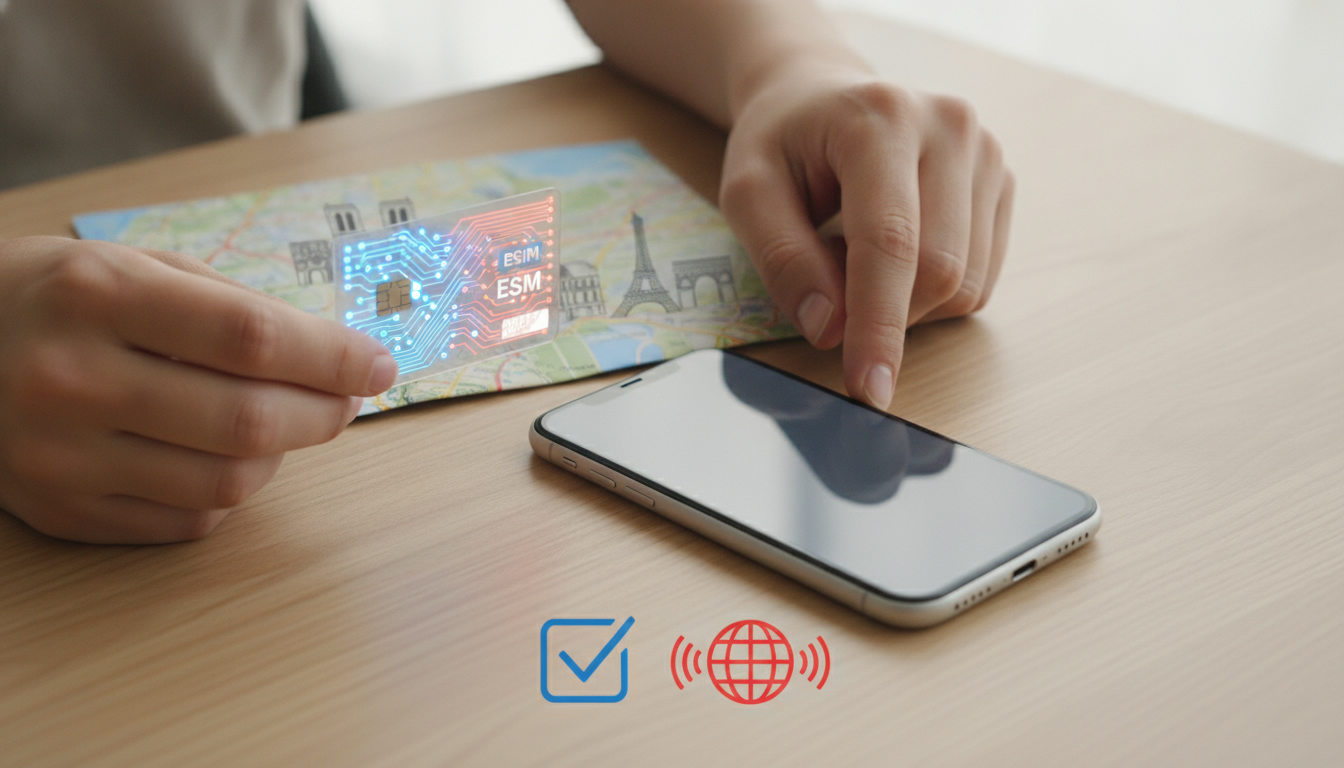
A discounted France eSIM is usually the quickest way to get mobile data on an unlocked iPhone without swapping your physical SIM. On the MyBestSim comparison, verified options include 10% off unlimited plans with the code MYBESTSIM from Roamic, Airalo, Roafly, and Maya, while LinkeSIM offers 5% off unlimited plans with the same code.
| Provider | MyBestSim rank | Rating | Promo code | Discount |
|---|---|---|---|---|
| Roamic | 1 | 4.9/5 | MYBESTSIM | 10% off unlimited |
| Airalo | 6 | 4.6/5 | MYBESTSIM | 10% off unlimited |
| Roafly | 9 | 4.4/5 | MYBESTSIM | 10% off unlimited |
| LinkeSIM | 12 | 4.5/5 | MYBESTSIM | 5% off unlimited |
| Maya | 17 | 4.2/5 | MYBESTSIM | 10% off unlimited |
Check the iPhone before buying anything
Start with compatibility, not the discount. Apple introduced eSIM support on the iPhone XS, iPhone XS Max, and iPhone XR, so older iPhone models may require a physical SIM instead.
The exact support can vary by regional model, particularly for iPhones purchased in mainland China, Hong Kong, or Macao.
On the iPhone, open:
Settings → General → About
Look for:
- Model Name, to identify the device;
- Carrier Lock, which should say “No SIM restrictions”;
- EID, which confirms that the phone has an eSIM identifier;
- IMEI, which the provider may request during support.
If “Carrier Lock” does not show “No SIM restrictions,” I’d advise against buying the travel eSIM yet. The phone may accept the QR code but still refuse to register on the French network because the handset is locked to another carrier.
Confirm the plan’s real purpose
A France eSIM normally supplies mobile data. Voice calls and SMS may be unavailable or limited, depending on the provider and plan.
Before checkout, verify these points:
- France is included as a covered destination;
- the plan supports hotspot use if you need to connect a laptop;
- the activation period begins at installation or at first network connection;
- the allowance is unlimited, fixed-data, or subject to a fair-use policy;
- the provider explains which French network partners are used.
The phrase “unlimited” is not enough by itself. If a provider applies speed reduction after a threshold, that condition matters more than the headline label when you plan to stream video or share your connection.
For a broader explanation of how travel plans differ, the eSIM comparison guide is useful while you are still deciding between unlimited and fixed-data options.
Purchase the discounted France eSIM
Choose the provider and plan on the comparison shown above, then apply the code during checkout. For the listed eligible offers, enter MYBESTSIM exactly as displayed.
The discount must appear in the order total before payment; if it does not, stop and check the provider, plan, and spelling rather than assuming the code will be applied later.
Select the right installation route
Providers generally deliver an activation QR code by email or inside their app. Apple’s eSIM setup uses the iPhone’s built-in cellular settings, so a third-party “SIM unlock” application is not required.
You may need:
- Wi-Fi or another working internet connection;
- the QR code displayed on a second screen;
- access to the email account used for purchase;
- your iPhone passcode;
- the provider’s app, if installation is app-based.
A common practical trap is buying the eSIM on the same iPhone and then trying to scan the QR code from that phone. The camera cannot scan a code that is currently displayed on its own screen.
Open the email on a laptop, tablet, or another phone, or use the provider’s manual installation details if supplied.
Install and activate it on the iPhone
Do the installation while connected to reliable Wi-Fi. That keeps the activation process separate from the French mobile connection you are trying to establish.
- Open Settings → Cellular or Mobile Data.
- Tap Add eSIM.
- Choose Use QR Code.
- Scan the provider’s code.
- Confirm the cellular plan label, such as “France Travel.”
- Select your primary line for calls and iMessage if prompted.
- Set the travel eSIM as the line for Cellular Data.
- Turn Data Roaming on for the travel line if the provider requires it.
- Turn off data switching if you do not want the iPhone to fall back to your home SIM.
The menu wording can vary slightly by iOS version, but Apple’s eSIM process remains inside the Cellular settings. Do not delete the plan simply because it does not connect immediately: some providers require activation on arrival, and deleting an installed eSIM may prevent a second installation.
Keep the home SIM from creating charges
If your physical SIM remains active, the iPhone can still use it for calls, SMS, or data. That is useful if you need your normal number, but it can also create roaming charges.
I set the travel eSIM as the data line and disable Data Roaming on the home line. Then I check that the data indicator changes after selecting the French plan.
If the phone still shows the home line as the data source, the plan may be installed correctly but not actually being used.
A second field-level warning: do not remove the physical SIM before confirming that the eSIM works. If the QR installation fails, the physical line is your easiest route back to account verification, support messages, and two-factor authentication.
Fix the problems that appear in France
The eSIM is installed but has no data
Check the following in order:
- Settings → Cellular → Cellular Data points to the travel eSIM;
- the travel line is switched on;
- Data Roaming is enabled when required;
- Airplane Mode is off;
- the iPhone has restarted after installation;
- the provider’s coverage area includes your current location.
If automatic network selection fails, the provider may publish a supported network to choose manually. Do not select a network at random: registration can fail even when the signal bars appear briefly.
The mechanism is simple: the eSIM profile can be present on the phone without being registered on a compatible partner network. That is why “installed” and “connected” are separate states.
The QR code will not scan
Increase the brightness of the screen showing the code and keep the entire square visible. If the code still fails, use the provider’s manual activation details, normally an SM-DP+ address and activation code.
The QR code is not a photo of a SIM card. It contains provisioning information for remote installation under the GSMA SGP.22 specification, which governs consumer eSIM remote provisioning.
A screenshot can work if the code remains sharp, but a blurred or cropped image cannot be repaired by changing iPhone settings.
Data works, but calls or texts do not
That may be normal for a data-only travel plan. Keep the home SIM enabled for incoming SMS if you need bank verification codes, and use FaceTime, iMessage, WhatsApp, or another internet calling service for data-based communication.
If iMessage switches to the wrong number after changing the data line, open Settings → Messages → Send & Receive and confirm the addresses selected for messaging. This is separate from mobile-data activation.
Avoid mistakes when using an eSIM in France
Before leaving, save the provider’s support details offline and keep the purchase email accessible. You should also record which line is primary and which one is used for data, because an iOS update or a manual SIM change can alter the selected data line.
My practical checklist is:
- unlocked iPhone with an EID;
- iOS updated before departure;
- eSIM purchased from the intended provider;
MYBESTSIMaccepted before payment where eligible;- QR code available on another screen;
- home-line roaming disabled;
- travel-line data roaming configured as required;
- hotspot policy checked before relying on a laptop connection.
For a second explanation of installation choices and activation timing, the travel eSIM setup guide covers the distinction between downloading a profile and starting its validity period.
If you are trying to use the iPhone’s connection while mirroring its screen to a television or computer in France, remember that screen mirroring itself does not activate mobile data: AirPlay needs a compatible receiver and usually the same Wi-Fi network, while an eSIM only supplies the internet connection. A data plan can keep online content working away from hotel Wi-Fi, but it cannot make an incompatible TV support AirPlay.
FAQ
Can an iPhone mirror its screen using a France eSIM?
No. An eSIM provides mobile data, but it does not create screen-mirroring compatibility. To use AirPlay, the iPhone and receiver generally need a compatible connection, usually the same Wi-Fi network. A French data plan can provide internet access, but the television or streaming device must also support AirPlay.
What do I need to mirror an iPhone in France?
You need an iPhone with AirPlay enabled, a compatible smart TV or Apple TV, and a suitable network connection. Open Control Center, tap Screen Mirroring, and select the receiver. If the device does not appear, confirm that both devices use the same Wi-Fi network and that AirPlay is supported.
How do I connect an iPhone to a smart TV?
Connect the iPhone and AirPlay-compatible television to the same Wi-Fi network. Open Control Center, choose Screen Mirroring, select the TV, and enter the displayed code if requested. For a noncompatible television, use an Apple TV, a certified adapter, or the manufacturer’s supported application instead of downloading random mirroring tools.
Why does AirPlay fail when mobile data works abroad?
Mobile data and AirPlay solve different problems. Your France eSIM may provide internet access while the iPhone and television remain on separate networks, preventing discovery. Connect both devices to the same Wi-Fi network, enable AirPlay on the receiver, and check that network isolation or guest-mode restrictions are not blocking communication.
Can I mirror an iPhone without hotel Wi-Fi?
Sometimes, but the setup depends on the receiver. You may use a compatible peer-to-peer AirPlay connection, a wired HDMI adapter, or a personal hotspot if the television supports it. A travel eSIM alone is insufficient, because it supplies cellular data but does not guarantee that the display can discover or accept the iPhone.

David Mercer
David is a travel and consumer-tech writer focused on getting the lowest price on everything, data plans included. At Discount eSIM he hunts down the biggest verified discounts from the major providers and shows how to stack them at checkout.