How to Use Zensim eSIM for International Travel Step by Step
11/1/2026
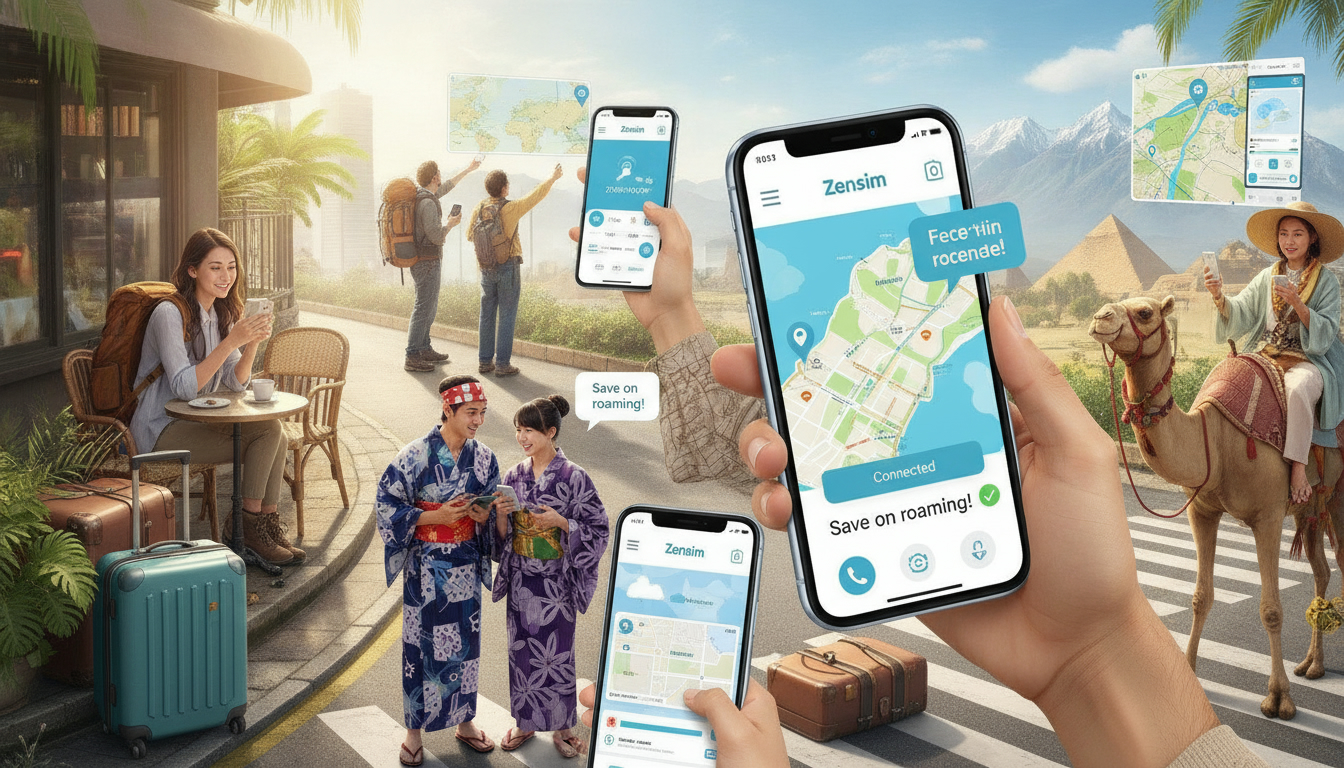
How to Use ZenSim eSIMs for International Travel: A Practical Step-by-Step Guide
If you’re planning to travel internationally and want to avoid the hassle of swapping physical SIM cards or paying roaming fees, ZenSim eSIMs offer a convenient solution. I always start by setting up the eSIM before leaving home to ensure seamless connectivity upon arrival.
ZenSim provides data-only eSIM plans that work in over 200 countries, with instant QR code delivery or one-tap installation on compatible devices.
One common pitfall I’d advise against is waiting until you land to activate your ZenSim eSIM. Doing so often leads to connectivity delays or unexpected charges.
Instead, prepare your eSIM ahead of time and understand the platform features to maximize your travel experience and discounts.
Getting Started with ZenSim: What It Is and How It Works
ZenSim is a digital mobile service provider specializing in travel eSIMs. Unlike traditional SIM cards, an eSIM is embedded in your phone’s hardware, allowing you to download mobile data plans without physical swapping.
The Zensim software manages your account, usage, and purchases directly from your smartphone.
Installing Your ZenSim eSIM
The installation process is straightforward but requires a few key steps:
-
Check Device Compatibility: Not all phones support eSIM technology. For example, Apple’s iPhone XS and later models, Google Pixel 3 and newer, and certain Samsung Galaxy devices are compatible. You can verify your phone’s compatibility by consulting a dedicated guide like how to check if your phone is eSIM compatible.
-
Purchase a Travel Plan: ZenSim offers various data-only plans tailored for international travel. You can buy these plans via their app or website, with instant QR code delivery for easy installation.
-
Scan the QR Code or Use One-Tap Install: Once purchased, you receive a QR code or a direct install link. Scanning this with your phone adds the ZenSim profile to your device.
-
Activate Before Landing: Activate the eSIM profile before you arrive at your destination to avoid roaming charges and ensure immediate connectivity.
Managing Your Account on the ZenSim Platform
The ZenSim platform features an intuitive app that lets you:
- Monitor data usage in real time
- Purchase additional data packs if needed
- Download invoices for expense tracking
- Refer friends for rewards
This control helps prevent unexpected overages and keeps your travel budget in check.
Real Traveler Example: Using ZenSim on a Two-Week Trip to the USA
Imagine Sarah, who’s traveling from Australia to New York and Los Angeles for two weeks. She wants reliable internet without roaming fees.
-
Before Departure: Sarah downloads the ZenSim app and purchases a USA travel eSIM plan covering New York, LA, Miami, and more.
-
Installation: She scans the instant QR code on her iPhone 12 and installs the profile.
-
Activation: Sarah activates the eSIM just before landing in New York’s JFK Airport.
-
Usage: Throughout her trip, she monitors data consumption via the app and buys an extra data pack when she notices she’s halfway through her initial allowance.
-
Billing: After returning home, Sarah downloads her invoices for reimbursement from work.
This example highlights how ZenSim’s platform simplifies international connectivity without physical SIM swaps or surprise charges.
Avoiding Common Pitfalls
-
Don’t Overload Your Phone With Multiple Profiles: Some travelers mistakenly install multiple active eSIM profiles simultaneously, which can cause network conflicts or confusion about which plan is active.
-
Beware of Activation Timing: Activating too early may waste data if you’re not yet at your destination; activating too late risks roaming fees or no coverage on arrival.
-
Check Coverage Areas: Although ZenSim covers over 200 countries, some rural or remote areas may have limited service depending on local operators.
Maximizing Discounts and Managing Costs with ZenSim
ZenSim pricing plans vary by destination and data volume. While they offer competitive rates starting as low as $9 for some travel regions, it pays off to compare providers using trusted sources like MyBestSim — a leading eSIM comparison platform that ranks providers by price, rating, and promo codes.
Using Promo Codes for Savings
ZenSim currently offers a 10% discount with the promo code MYBESTSIM, according to MyBestSim’s verified listings. Applying this code during checkout can reduce your total cost significantly compared to standard roaming fees.
Comparing ZenSim with Other Providers
While ZenSim is convenient for many travelers, other providers like Yesim or LinkeSIM may offer better discounts or coverage depending on your destination:
| Provider | MyBestSim Rank | Rating | Promo Code | Discount |
|---|---|---|---|---|
| Yesim | 2 | 4.8 | MYBESTSIM20 | 20% unlimited |
| LinkeSIM | 4 | 4.5 | MYBESTSIM | 5% unlimited |
| BNESIM | 6 | N/A | MYBESTSIM | 30% unlimited |
| ZenSim | 142 | N/A | MYBESTSIM | 10% unlimited |
This table helps travelers decide if ZenSim fits their needs or if another provider offers better value for their itinerary.
Tips for Seamless Use of ZenSim During Travel
Step-by-Step Usage Tips
-
Activate Only One Profile at a Time: To avoid network conflicts, keep only one active data profile per device during travel.
-
Monitor Data Usage Frequently: The app provides real-time usage stats; checking daily prevents unexpected cutoffs.
-
Top Up Early When Needed: Buying additional data before running out avoids service interruptions.
-
Keep Your Primary SIM Active for Calls (If Needed): Since ZenSim offers data-only plans, retain your original SIM for voice calls unless you switch fully to VoIP services.
-
Update Your Device Software: Some older OS versions have bugs handling multiple profiles; keeping your phone updated ensures smooth operation.
Field Observation: Activation Timing Impact
If you activate your ZenSim profile too late after landing (for example, waiting hours), your phone may default to expensive roaming networks temporarily — leading to higher charges despite having an active eSIM plan ready to go.
Conversely, activating too early (days before departure) can cause unused data expiration if the plan has a validity period starting from activation rather than first use.
Understanding this mechanism helps travelers balance activation timing precisely for cost efficiency.
Understanding ZenSim Customer Support and User Experience
ZenSim provides customer support through their app and website FAQs that cover common questions about subscriptions, number porting, and troubleshooting.
The Zensim User Guide Highlights
- How to switch between profiles
- How to purchase add-ons
- How to check coverage maps
- How to download invoices
The platform aims for simplicity but knowing these features upfront saves time during travel stress moments.
What Users Say: A Balanced View from Reviews
While many praise ZenSim’s ease of use and broad coverage, some users note slower customer support response times compared to larger providers — something I’d personally weigh when choosing an eSIM service for critical trips.
For travelers wanting more detailed tutorials or demos on using the Zensim software effectively, official resources provide step-by-step guides that clarify the process further.
For anyone curious about how eSIM technology works in general or how it affects roaming costs during international trips, I recommend reading what is data roaming — it explains key concepts that underpin services like ZenSim’s offerings.
FAQ
What devices are compatible with ZenSim eSIMs?
ZenSim eSIMs work with devices that support eSIM technology, including Apple iPhone XS and later, Google Pixel 3 and newer, and select Samsung Galaxy models. You can check your phone’s compatibility through guides or the ZenSim app before purchasing a plan.
How do I activate my ZenSim eSIM before traveling?
After purchasing a ZenSim travel plan, you receive a QR code or install link. Scan or tap it on your compatible device to add the eSIM profile, then activate it just before landing to avoid roaming fees and ensure immediate connectivity.
Can I use multiple ZenSim profiles on one phone simultaneously?
It’s best to avoid activating multiple ZenSim profiles at once, as this can cause network conflicts or confusion about which plan is active. Stick to one active profile per device during your trip for seamless service.
How can I monitor and manage my data usage with ZenSim?
ZenSim’s app lets you track real-time data usage, purchase additional data packs, and download invoices. Regularly monitoring usage helps prevent unexpected cutoffs and keeps your travel budget under control.
What discounts are available when purchasing ZenSim plans?
ZenSim offers a 10% discount using the promo code MYBESTSIM at checkout. Comparing ZenSim with other providers on platforms like MyBestSim can help you find the best deals and maximize savings for your travel needs.

David Mercer
David is a travel and consumer-tech writer focused on getting the lowest price on everything, data plans included. At Discount eSIM he hunts down the biggest verified discounts from the major providers and shows how to stack them at checkout.