How to Get and Use an eSIM for Mobile Data in Zimbabwe 2026
6/22/2026
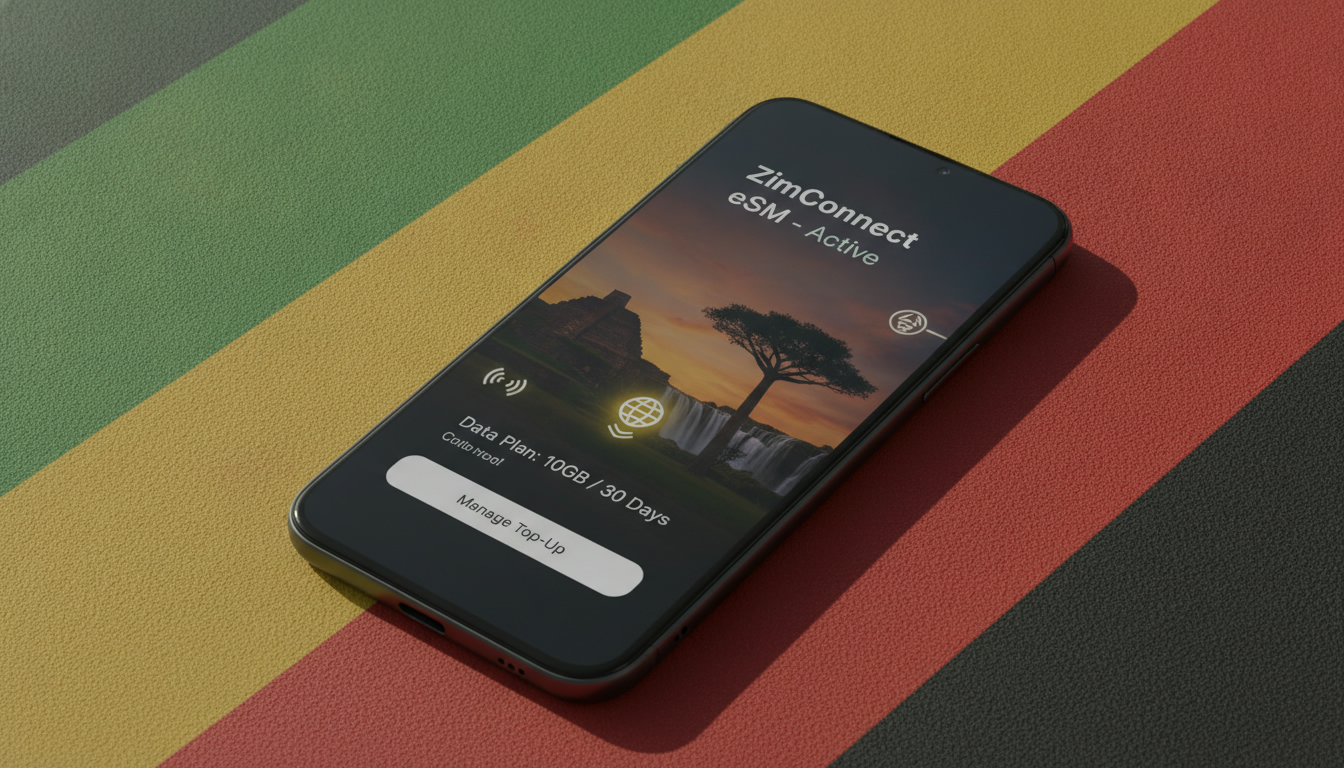
In short, what you'll discover in this article: How to get and use a Zimbabwe eSIM for seamless mobile data and calls during your trip. Learn about compatible devices, local and international providers, pricing, activation steps, network coverage, and travel tips to stay connected hassle-free.
1. Why Choose an eSIM for Zimbabwe?
Using an eSIM Zimbabwe offers travelers several advantages. It eliminates the need for a physical SIM card, allowing instant activation upon arrival or even before landing.
This means you can have mobile data ready for maps, communication, and emergencies without searching for a local store. Additionally, eSIMs often provide better rates than roaming with your home carrier and support dual-SIM functionality, so you can keep your original number active.
2. Is Your Phone Compatible?
2.1 Compatible Devices for Zimbabwe eSIM
Most modern smartphones support eSIM technology. Here’s a quick list of popular devices compatible with a Zimbabwe eSIM:
- iOS Devices: iPhone XS and later (iOS 12.1+)
- Android Devices: Google Pixel 3 and newer, Samsung Galaxy S20 and newer (Android 10+)
- Others: Some recent models from Huawei, Motorola, and Oppo also support eSIM
Make sure your device runs the required OS version to enable eSIM functionality.
2.2 Check Carrier Lock and Prepare Your Device
Before purchasing a Zimbabwe travel eSIM, verify that your phone is unlocked from any carrier restrictions. Locked devices may not activate foreign eSIMs properly.
Also, update your phone’s software to the latest version and back up important data as a precaution.
3. Types of eSIMs Available for Zimbabwe
3.1 Local Operator eSIMs: Econet, NetOne, Telecel
Zimbabwe’s major carriers like Econet, NetOne, and Telecel offer local eSIM options. These provide:
- Stronger network coverage in urban areas
- Competitive local data plans
- Instant activation via QR codes
However, their purchase usually requires visiting a store or authorized dealer physically or having a local ID. For tourists, this might be less convenient but offers the fastest networks.
3.2 International Providers: Airalo, Ubigi, Holafly
Global eSIM providers such as Airalo, Ubigi, and Holafly offer Zimbabwe travel eSIMs that can be bought online before your trip. Benefits include:
- Easy online purchase and instant delivery via email
- Flexible data plans tailored for tourists
- No need for local registration or SIM swapping
These are ideal if you want connectivity immediately upon arrival without visiting physical stores.
4. Plans, Pricing, and How to Choose
4.1 Comparing by Duration and Data Volume
Zimbabwe eSIM data plans vary by length and volume:
- Short-term (7 days): Starting around $12 for 1–3 GB
- Medium-term (14 days): Approximately $20–$30 for 3–5 GB
- Long-term (30 days): Up to $40+ for larger data bundles (5–10 GB)
Choose based on your expected usage and trip length.
4.2 Total Cost vs Roaming with Home Operator
| Option | Approximate Cost | Data Volume | Convenience |
|---|---|---|---|
| Local Zimbabwe eSIM | $10–$40 | Varies | Best coverage; may require ID |
| International eSIM | $12–$45 | Varies | Instant online purchase |
| Roaming with Home SIM | Often $50+ | Limited | Expensive; no setup needed |
Using a Zimbabwe eSIM often saves money compared to roaming fees from your home carrier.
5. How to Buy and Activate a Zimbabwe eSIM: Step-by-Step Guide
5.1 Purchase via Provider Website or App
- Visit the provider’s website or download their app (e.g., Airalo Zimbabwe).
- Select the plan matching your needs.
- Complete payment using credit card or PayPal.
- Receive the QR code instantly by email or in-app.
5.2 Activation via QR Code (iOS) and App (Android)
For iOS:
- Go to Settings > Cellular > Add Cellular Plan.
- Scan the QR code provided.
- Follow on-screen instructions to finish activation.
For Android:
- Open the provider’s app.
- Import the eSIM profile using the QR code.
- Activate within the app interface.
5.3 Troubleshooting Common Activation Issues
If activation fails:
- Ensure device compatibility.
- Check internet connection during setup.
- Restart your phone.
- Contact provider support if problems persist.
6. Network Coverage and Performance in Zimbabwe
6.1 Coverage in Cities vs Rural Areas
Urban centers like Harare and Bulawayo enjoy strong coverage from Econet and NetOne networks supporting fast LTE speeds. Rural or tourist spots may have patchier signals; choosing a provider with broad coverage is essential.
6.2 Tips for Speed Tests and Profile Selection
Run speed tests after activation to confirm network quality. If multiple profiles are available (local vs international), switch based on signal strength or cost efficiency.
7. Practical Tips for Travelers Using a Zimbabwe eSIM
7.1 Using Dual SIM: eSIM + Physical SIM
Many phones support dual SIM use—keep your home SIM active alongside the Zimbabwe eSIM to receive calls without interruption while using local data plans affordably.
7.2 Tethering, Calls, and SMS Limitations
Note that some international eSIM plans may restrict tethering or limit voice/SMS services; check plan details before purchase if these features are important.
8. Conclusion and Call to Action
Choosing the best Zimbabwe eSIM depends on your travel style: local operator eSIMs offer top coverage but require more effort to acquire; international providers like Airalo provide convenience with instant online purchase and easy activation. For hassle-free connectivity during your trip, consider buying your Zimbabwe travel eSIM ahead of time at discountesim.com where you can also find verified discount codes to save on data plans tailored for travelers.
Stay connected effortlessly on your Zimbabwe adventure!
For more savings on international travel data plans, check out our guide on best verified eSIM discount codes and explore affordable options from providers like Airalo.
FAQ
What devices support a Zimbabwe eSIM?
Most modern smartphones support Zimbabwe eSIMs, including iPhone XS and later, Google Pixel 3 and newer, and Samsung Galaxy S20 and newer. Ensure your device runs the required OS version and is carrier unlocked for proper activation.
How can I buy a Zimbabwe eSIM before traveling?
You can purchase a Zimbabwe eSIM online through international providers like Airalo, Ubigi, or Holafly. Simply select a plan on their website or app, pay, and receive a QR code instantly for easy activation upon arrival.
Are local Zimbabwe eSIMs better than international ones?
Local eSIMs from Econet, NetOne, or Telecel offer stronger network coverage and competitive local rates but often require physical store visits and local ID. International eSIMs provide convenience with instant online purchase but may have slightly less coverage.
What are typical costs for Zimbabwe eSIM data plans?
Zimbabwe eSIM plans range from about $12 for 1–3 GB over 7 days to $40+ for 5–10 GB over 30 days. Prices vary by provider and plan duration, generally offering savings compared to roaming fees from your home carrier.
Can I use dual SIM with a Zimbabwe eSIM?
Yes, many phones support dual SIM functionality allowing you to keep your home SIM active alongside the Zimbabwe eSIM. This lets you receive calls on your original number while using local data plans affordably.

David Mercer
David is a travel and consumer-tech writer focused on getting the lowest price on everything, data plans included. At Discount eSIM he hunts down the biggest verified discounts from the major providers and shows how to stack them at checkout.