How to Activate and Use Aldi Talk eSIM for Travel in 2026
11/2/2026
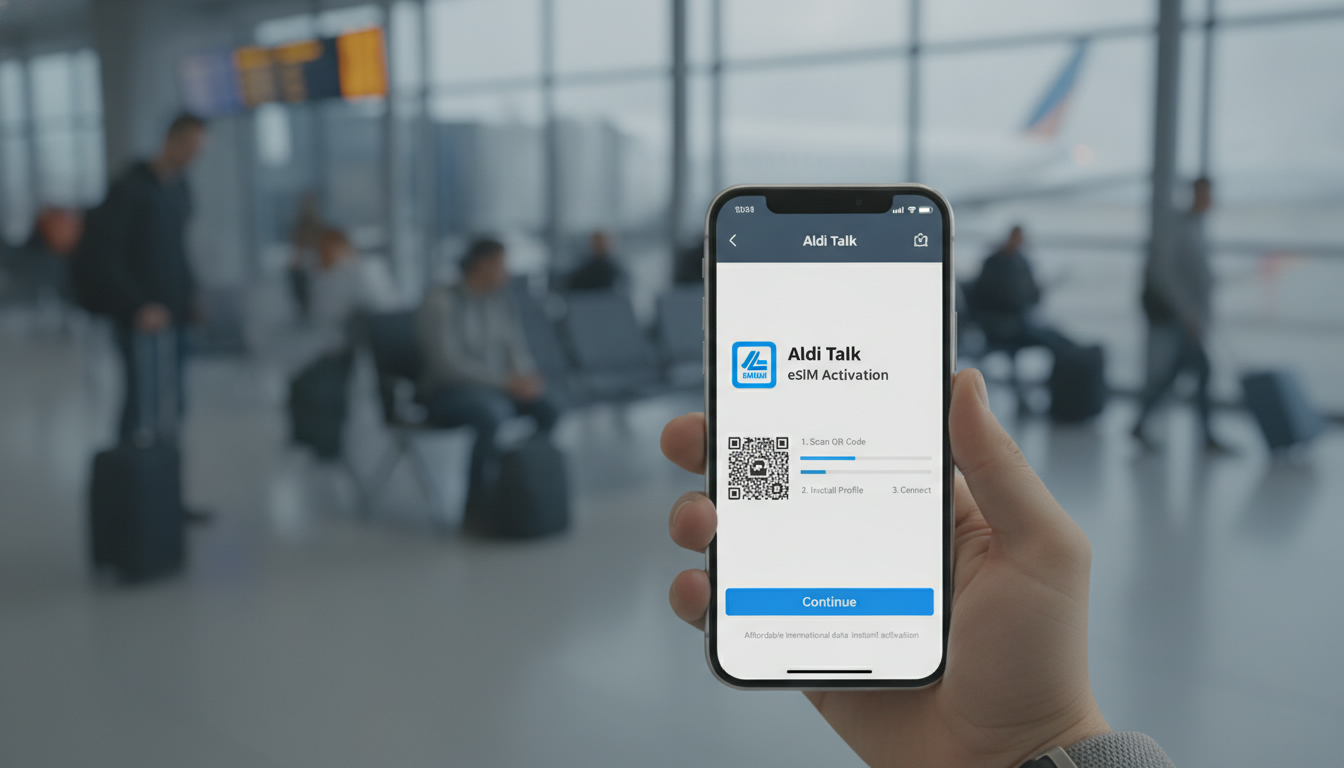
How to Activate and Use Aldi Talk eSIM for Affordable Mobile Data Abroad
If you’re planning a trip and want to avoid the hassle of swapping physical SIM cards, Aldi Talk’s eSIM option might seem like the perfect solution. However, as of now, Aldi Talk does not allow direct purchase or activation of an eSIM through their standard channels.
Instead, users can convert their existing physical SIM into an eSIM under specific conditions. I always start by checking the latest official updates because providers often change their offerings, and missing this step can lead to unnecessary delays or confusion.
Here’s a practical guide on how to navigate Aldi Talk’s eSIM option, including activation steps, device compatibility, and common pitfalls to avoid while traveling.
Understanding Aldi Talk eSIM Availability and Activation Process
Current Status of Aldi Talk eSIM
Aldi Talk currently does not offer a direct eSIM starter pack purchase. According to official sources from December 2023, customers must first have a physical SIM card before requesting an eSIM conversion.
This means you cannot order an Aldi Talk tariff as an eSIM from scratch; you need to start with a physical SIM.
The activation process involves requesting an eSIM profile that replaces your physical SIM on supported devices. This conversion is done through the Aldi Talk app or customer service channels.
Step-by-Step Activation Process
-
Check Device Compatibility: Before anything else, verify if your smartphone supports eSIM technology. I always recommend consulting a reliable source like Discount eSIM’s guide on how to check if your phone is eSIM compatible. Most recent iPhone models (iPhone XS and later) and many Android devices from Samsung and Google support eSIM.
-
Obtain a Physical SIM First: Since Aldi Talk requires an existing physical SIM for conversion, purchase a starter pack if you don’t already have one.
-
Download the Aldi Talk App: The free app available on both Google Play and the App Store lets you manage your tariff and request an eSIM profile once eligible.
-
Request the eSIM Conversion: Within the app, navigate to your account settings or tariff management section to request switching from your physical SIM to an eSIM. This process triggers sending a QR code or activation details to your device.
-
Scan the QR Code on Your Phone: Follow your phone’s settings to add a new cellular plan by scanning the QR code provided by Aldi Talk. This step activates the eSIM profile on your device.
-
Confirm Activation: After scanning, your phone will download the profile and prompt you to confirm activation. The sign that it worked is when your phone shows Aldi Talk as an active cellular plan without needing a physical SIM inserted.
Common Pitfalls in Activation
- Trying to Buy an eSIM Directly: Many travelers expect to buy an Aldi Talk eSIM outright but will hit a wall because this option isn’t available yet.
- Using Unsupported Devices: Attempting activation on phones without proper eSIM support leads to failure — no profile downloads or activation errors.
- Overlooking App Updates: The Aldi Talk app regularly updates its features; using an outdated version can cause issues during activation.
- Forcing Activation Without Physical SIM: Since the system requires verification of an existing physical SIM, skipping this step results in rejection of the request.
Benefits of Switching to Aldi Talk eSIM While Traveling
Convenience and Flexibility
Switching to an Aldi Talk eSIM means no more fumbling with tiny SIM cards when crossing borders or changing phones. The embedded chip allows instant switching between mobile plans without physically swapping cards.
Managing Multiple Profiles
An important field observation: On dual-SIM phones with one physical SIM slot and one eSIM slot, users can keep their home number active while adding local data plans for travel on the eSIM side. This mechanism avoids losing connectivity during international trips.
Cost Efficiency
Aldi Talk offers competitive prepaid data plans that travelers appreciate for affordability in Germany and across Europe. While exact prices vary depending on data volume and duration, users benefit from flexible top-ups via the app without needing new SIM cards.
Coverage Areas
Aldi Talk utilizes Telefónica Germany’s network infrastructure, which covers most urban and rural areas with 4G LTE and growing 5G availability. This ensures reliable data connectivity for travelers within Germany and roaming zones in Europe.
Setting Up Your Smartphone for Aldi Talk eSIM Use
Compatible Devices Overview
Not all smartphones handle eSIM profiles identically. Here are key points I’ve learned from working with travelers:
- Apple iPhones from XS onwards support multiple active eSIM profiles but only one can be used at a time.
- Google Pixel models starting with Pixel 3 support single active profiles.
- Samsung Galaxy S20 series and later handle dual-SIM with one physical + one active eSIM simultaneously.
- Older devices or budget models rarely support any form of embedded SIM technology.
Always check your device’s official specs or use tools like those found on Discount eSIM for compatibility confirmation before committing.
Setting Up Data Plans on Your Device
Once activated, managing your Aldi Talk data plan involves:
- Accessing cellular settings where you can label your plans (e.g., “Aldi Talk”).
- Choosing which plan handles voice, SMS, and data independently.
- Monitoring data usage through the Aldi Talk app or phone settings.
A trap I’d advise against is neglecting to assign data usage correctly; some phones default to one plan for all services, which can cause unexpected charges if roaming is involved.
Troubleshooting Common Issues With Aldi Talk eSIM
Activation Failures
If your phone refuses to download or activate the QR code:
- Confirm you have stable internet access during setup.
- Restart your device before scanning again.
- Ensure no previous conflicting profiles remain installed; deleting old profiles often resolves conflicts.
Data Connectivity Problems Abroad
Roaming with an Aldi Talk eSIM generally works seamlessly within Europe due to EU regulations capping roaming charges. However:
- If you experience no data connection after arrival abroad, check that data roaming is enabled in phone settings.
- Verify that your plan includes roaming options; some prepaid plans require separate add-ons for international use.
For detailed roaming advice, I recommend reading what is data roaming on Discount eSIM — it explains mechanisms behind roaming charges and how to avoid surprises.
Customer Support Access
Aldi Talk offers customer service primarily via their app and hotline. However, since direct online ordering of an eSIM isn’t available yet, support staff may have limited ability to assist with full remote activations.
I always suggest preparing questions clearly about device model and current SIM status before contacting them to speed up resolution.
How Aldi Talk Compares With Other Prepaid eSIM Options in Germany
While Aldi Talk is popular for affordability and network coverage, travelers often compare it with other prepaid providers offering direct-to-eSIM purchases:
| Provider | Network | Direct eSIM Purchase | Price Range | Notes |
|---|---|---|---|---|
| Airalo | Multiple global | Yes | Starts ~€19.99 | Offers regional/global plans |
| Holafly | Multiple global | Yes | Varies | Good for short trips |
| Aldi Talk | Telefónica Germany | No (conversion only) | Competitive | Requires physical SIM first |
This table reflects general market conditions as of mid-2024; prices and availability fluctuate seasonally or with promotions tracked by MyBestSim.
Switching directly to providers like Airalo or Holafly might save time if you want immediate access without physical SIM dependency. But if you prefer staying with Aldi Talk’s network benefits and pricing structure, converting your existing SIM remains viable once you meet requirements.
When setting up any new mobile service abroad, I always start by verifying device compatibility thoroughly because even minor mismatches in supported bands or software versions can cause frustrating dead ends during activation or use. For travelers planning ahead with new phones, understanding these steps saves hours of troubleshooting later — especially when relying on prepaid options like Aldi Talk’s evolving eSIM offering.
FAQ
Can I buy an Aldi Talk eSIM without a physical SIM?
No, Aldi Talk currently requires you to have a physical SIM card before converting it to an eSIM. Direct purchase or activation of an eSIM without an existing physical SIM is not supported as of mid-2024.
How do I activate Aldi Talk eSIM on my smartphone?
First, ensure your device supports eSIM. Then, request an eSIM conversion via the Aldi Talk app after having a physical SIM. Scan the provided QR code on your phone to download and activate the eSIM profile.
Which devices are compatible with Aldi Talk eSIM?
Most recent iPhones from XS onward, Google Pixel 3 and newer, and Samsung Galaxy S20 series or later support Aldi Talk eSIM. Older or budget phones typically do not support eSIM technology.
What are the benefits of using Aldi Talk eSIM while traveling?
Aldi Talk eSIM offers convenience by eliminating physical SIM swaps, allows managing multiple profiles on dual-SIM phones, and provides affordable prepaid data plans with broad coverage across Germany and Europe.
What should I do if Aldi Talk eSIM activation fails?
Ensure stable internet during setup, restart your device, remove any conflicting old profiles, and verify your phone supports eSIM. Also, keep the Aldi Talk app updated to avoid activation issues.

David Mercer
David is a travel and consumer-tech writer focused on getting the lowest price on everything, data plans included. At Discount eSIM he hunts down the biggest verified discounts from the major providers and shows how to stack them at checkout.