How to Use an eSIM Code When Traveling Step by Step
10/9/2026
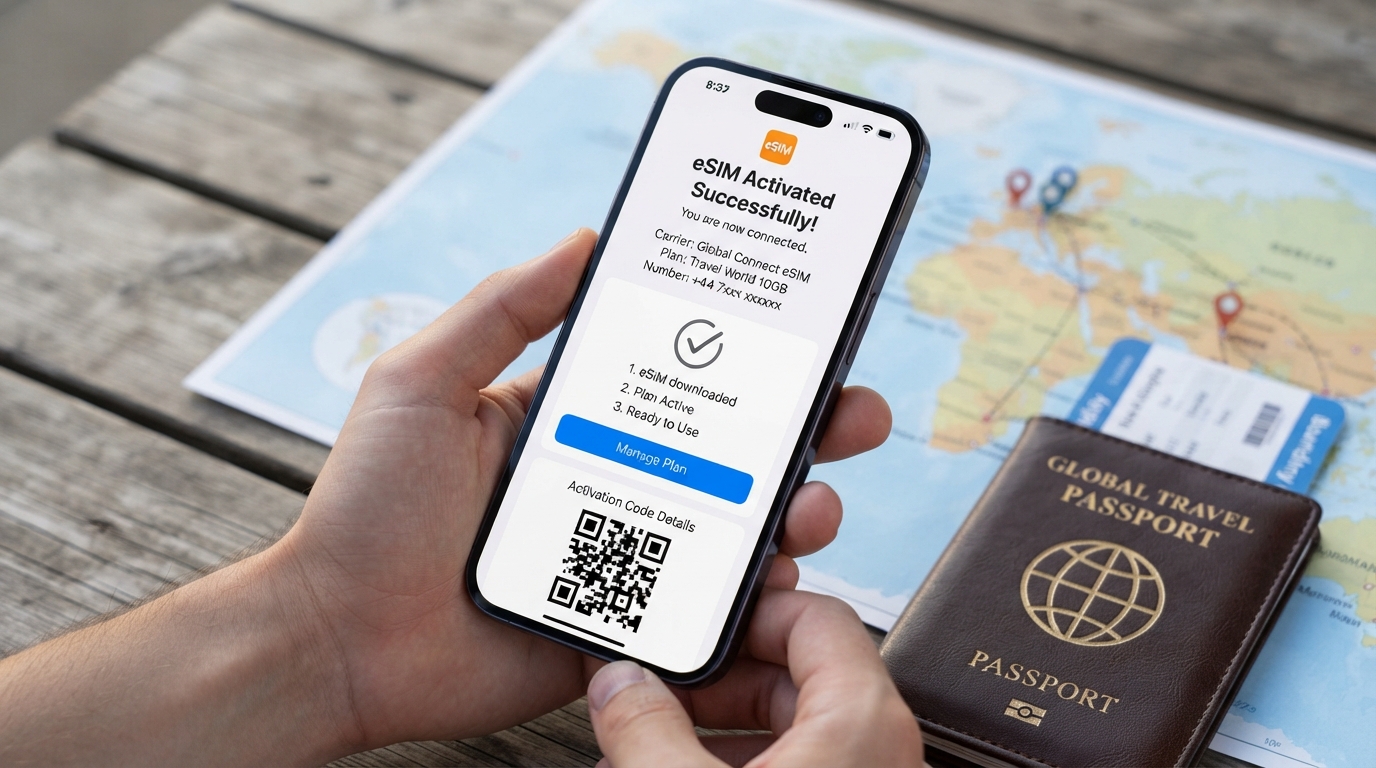
How to Get and Use an eSIM Code for Travel: A Practical Step-by-Step Guide
If you just got a new phone that supports eSIM and want to activate your mobile service without a physical SIM card, you need an eSIM code—often a QR code or activation code—from your carrier. This code is essential to download and activate your eSIM profile on your device.
I always start by locating this code because without it, your phone won’t connect to the network. Here’s how to get, activate, and use that eSIM code smoothly during travel, plus common pitfalls to avoid.
What Is an eSIM Code and Why You Need It
An eSIM code is typically a QR code or a string of characters provided by your mobile carrier that allows your phone to download the eSIM profile remotely. Unlike a physical SIM card, the eSIM is embedded in your device’s hardware, and the activation happens digitally.
The Difference Between Various eSIM Codes
- The eSIM Activation Code: This is the actual code or QR you scan or enter to start downloading the profile.
- The eSIM QR Code: Most carriers send you this as an image via email or make it available in your online account.
- The eSIM Download Code / Setup Code: Sometimes carriers provide a numeric or alphanumeric code instead of a QR for manual entry.
- Temporary eSIM Code: Some providers issue temporary codes valid only for a short time or single use.
- Carrier eSIM Code / Mobile eSIM Code: These terms refer to the same activation credentials issued by your network operator.
Without a valid eSIM code, your phone cannot download the profile needed to connect to cellular networks. That’s why knowing where and how to get it is crucial.
How to Get an eSIM Code From Your Carrier
The process varies slightly depending on your provider, but here are the most common ways:
| Carrier Type | How You Receive Your eSIM Code | Notes |
|---|---|---|
| Major carriers (e.g., Orange, SFR, Bouygues) | Via email after purchase or in your online account | Usually a QR code you scan with your phone camera |
| Online-only providers | Download from customer portal | May require login and navigation to “My eSIM” section |
| Physical stores | Printed QR code or card | Sometimes issued on paper at purchase |
For example, Orange Travel customers receive their eSIM QR code directly in their account after ordering. RED by SFR users find theirs in the “My Account” section under “Manage SIM/eSIM.” Bouygues Telecom offers step-by-step instructions on their support page to download and activate the profile once you have the QR.
I’d advise against waiting until arrival at your destination to get this code. The mechanism behind remote provisioning (GSMA specification SGP.22) requires that the device downloads the profile over Wi-Fi or cellular data, so having the code ready beforehand avoids connectivity gaps.
Field Observation: If you try scanning an expired or already used QR code, your phone will reject it with an “invalid code” error. This happens because each eSIM profile can only be installed once per device unless explicitly allowed by the carrier.
Step-by-Step Guide to Activate Your eSIM Using the Code
Once you have your eSIM activation code, follow these steps carefully:
-
Check Device Compatibility
Dial *#06# on your phone; if an EID number appears alongside IMEI(s), your device supports eSIM. For iPhones, models from iPhone XS onwards support it natively. -
Connect to Wi-Fi
Before activation, ensure you have Wi-Fi access since downloading the profile requires internet. -
Scan or Enter Your eSIM QR/Code
- Open Settings > Cellular > Add Cellular Plan (iOS) or Settings > Network & Internet > Mobile Network > Advanced > Carrier (Android).
- Use your camera to scan the QR code sent by your carrier or manually enter the setup/download code if provided.
-
Confirm Activation
Follow on-screen prompts; often, you’ll be asked for a PIN (default is usually 0000 unless changed). -
Set Your Default Line (if dual SIM)
Choose which line handles calls, messages, and data if you have both physical SIM and eSIM active. -
Test Connectivity
Once activated, check signal bars and try making a call or using data.
Common Pitfall: Over-tightening security settings during activation can cause failure. For instance, some phones lock activation if airplane mode is toggled mid-process or if there’s insufficient battery life (<20%). The sign that it worked is immediate network connection after profile download; if not connected within 5 minutes, restart and retry scanning.
Troubleshooting Invalid or Unrecognized eSIM Codes
One of the most frequent issues travelers face is receiving an “invalid QR code” message when trying to activate their eSIM.
Why Does This Happen?
- The eSIM profile has already been installed on another device (each profile is unique per device).
- The QR code expired; many carriers set validity windows of 24–72 hours post-issuance.
- Network restrictions prevent activation outside certain regions until first use in home country.
- Incorrect scanning method—some phones require scanning from within cellular settings rather than camera app.
How To Fix It
- Request a new carrier eSIM code from your provider’s customer portal or support line before traveling.
- Make sure you scan directly from within system settings where possible; avoid third-party camera apps that may distort QR recognition.
- If manual entry of the setup/download code is supported, try that instead of scanning.
I always keep a screenshot of my valid esim QR code saved offline for quick access during travel emergencies—this avoids delays caused by poor internet connectivity when trying to retrieve it again.
Using Your eSIM While Traveling: What You Should Know
When traveling internationally with an activated eSIM:
- Your phone uses remote provisioning standards like GSMA SGP.22 allowing seamless switching between carriers without swapping physical cards.
- You can buy local data plans via providers like Orange Travel or Nomad using their verified discount codes found on MyBestSim.
- Some providers offer unlimited data plans with promo codes such as MYBESTSIM20 for Nomad or MYBESTSIM for Orange Travel that reduce costs significantly.
- Keep in mind some countries restrict VoIP services over mobile data; check local regulations if voice calls fail after activation.
Field Observation: If you switch between multiple local profiles frequently during travel without fully deleting old profiles first, some phones may glitch and show no signal until rebooted due to conflicting network settings cached internally.
For travelers wanting verified discounts on international data plans through eSIMs, MyBestSim remains my go-to reference for comparing offers from top providers like Orange Travel (-5% unlimited with promo MYBESTSIM), Nomad (-20% unlimited with MYBESTSIM20), and others including Maya and Stellar Esim.
Where To Find More Help With Your eSIM Setup
If you want detailed instructions tailored for specific carriers:
- Free Mobile users can visit their subscriber area under “My eSIM” for direct download links and confirmation codes Free Mobile Support.
- RED by SFR customers retrieve their QR codes in their client space RED by SFR Activation.
- Bouygues Telecom provides stepwise guides including default PIN info (usually 0000) Bouygues Telecom Support.
For general compatibility checks before buying an eSIM plan, I recommend this practical guide on how to check if your phone supports an eSIM compatible device.

David Mercer
David is a travel and consumer-tech writer focused on getting the lowest price on everything, data plans included. At Discount eSIM he hunts down the biggest verified discounts from the major providers and shows how to stack them at checkout.