How to Get an eSIM for Djezzy in 2026
6/29/2026
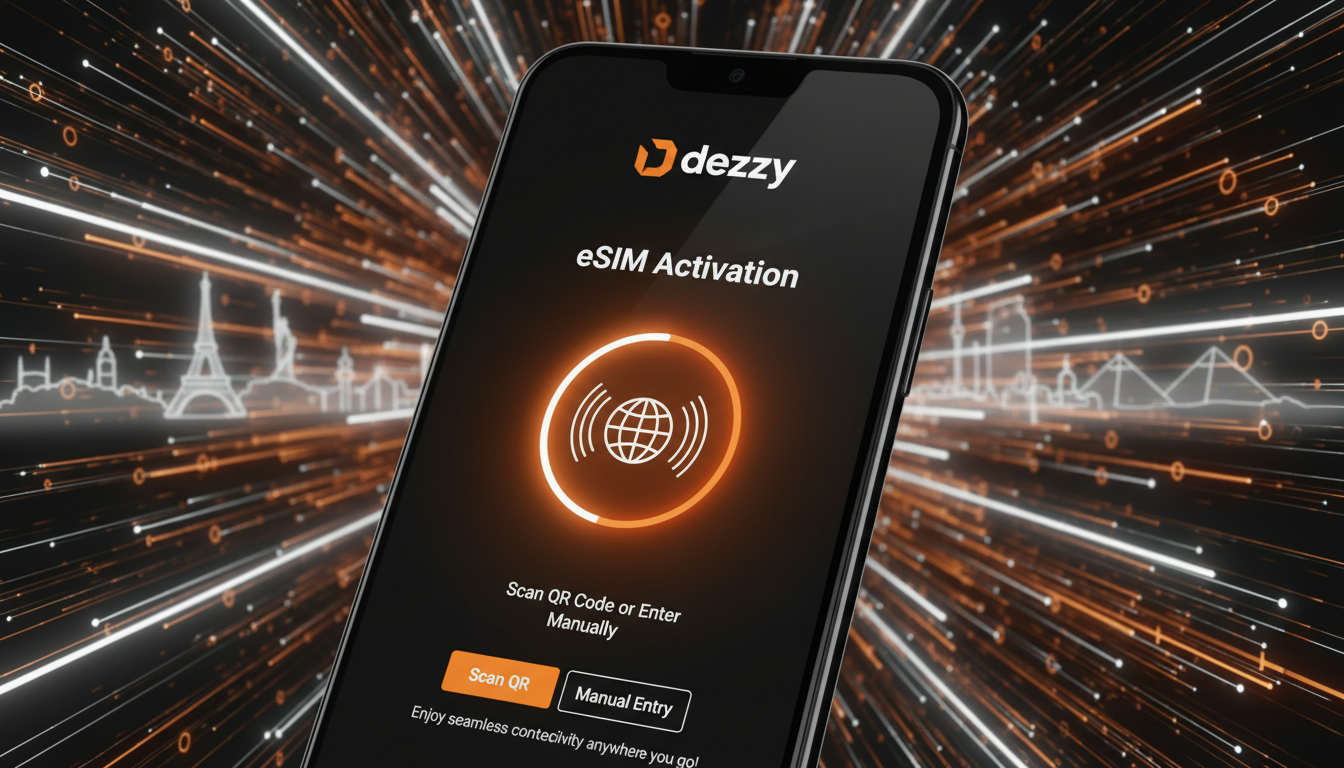
In short, what you'll discover in this article: Learn everything about the esim djezzy service, including device compatibility, how to get and activate your Djezzy eSIM, pricing plans, roaming options, troubleshooting tips, and practical security advice for a smooth mobile experience.
1. Introduction — What is eSIM and Why Choose Djezzy eSIM
An eSIM (embedded SIM) is a digital SIM that allows you to activate a cellular plan without using a physical SIM card. The Djezzy eSIM offers convenience by enabling multiple mobile profiles on one device and eliminating the need to swap physical cards.
This technology is ideal for travelers or anyone seeking flexible mobile connectivity with Djezzy’s extensive coverage in Algeria.
2. Device Compatibility
2.1 iPhone — Supported Models and iOS Versions
Djezzy supports eSIM on various iPhone models starting from the iPhone XR and later, including iPhone XS, 11, 12, 13, and newer. Your device should run iOS 12.1 or higher for full eSIM functionality. For detailed activation instructions on iPhone XR, see iPhone XR eSIM guide.
2.2 Android — Supported Brands, Models, and Android Versions
Many recent Android smartphones from brands like Samsung, Google Pixel, Huawei, and Xiaomi support eSIM technology. Your device must run Android 10 or later with carrier support for Djezzy eSIM profiles.
Always verify your phone’s compatibility before proceeding.
3. How to Get a Djezzy eSIM
3.1 Prerequisites (ID, Unlocked Phone, Internet Connection)
Before obtaining a Djezzy eSIM, ensure you have:
- A valid ID for verification
- An unlocked phone compatible with Djezzy eSIM
- A stable internet connection to download the profile
3.2 Online Acquisition — Steps to Receive the QR Code / Activation Code
You can request your Djezzy eSIM online through their official website or authorized digital channels. The process typically involves:
- Submitting your ID and phone details
- Receiving a QR code via email or SMS
- Scanning the QR code on your device to install the eSIM profile
This method offers quick activation without visiting a store.
3.3 In-Store or Customer Service Acquisition
Alternatively, visit a Djezzy store or contact customer support to get your eSIM profile physically or via assistance. Staff can guide you through activation and answer questions about plans.
4. Step-by-Step Activation of the Djezzy eSIM
4.1 Method A — Activation via QR Code (Detailed Steps)
- Open your phone’s settings.
- Navigate to Cellular or Mobile Data > Add Cellular Plan.
- Scan the QR code provided by Djezzy.
- Follow on-screen prompts to complete installation.
- Label your new plan if desired.
4.2 Method B — Activation via Settings (Manual)
If you have an activation code instead of a QR code:
- Go to Settings > Cellular > Add Cellular Plan.
- Enter the activation code manually.
- Confirm and finish setup.
4.3 Post-Activation Checks (Network, Data, SMS/Calls)
After activation:
- Verify network signal strength.
- Test mobile data connectivity.
- Send a test SMS or make a call to confirm service.
5. Djezzy eSIM Plans and Pricing
5.1 Comparing eSIM vs Physical SIM Costs
The cost of a Djezzy eSIM plan is generally comparable to physical SIM plans but offers added flexibility without needing physical card replacement fees.
5.2 Available Prepaid and Postpaid Options
Djezzy provides both prepaid and postpaid plans for their eSIM users:
- Prepaid plans offer pay-as-you-go data bundles.
- Postpaid plans include monthly subscriptions with various data and call packages.
Choose based on your usage needs.
6. Roaming and Using Djezzy eSIM Abroad
Djezzy’s eSIM supports roaming in many countries with competitive rates for data and calls abroad. Activate roaming through your account settings before traveling to ensure uninterrupted service.
7. Troubleshooting — Common Issues and Quick Fixes
7.1 eSIM Not Recognized / Activation Failed
If your device doesn’t recognize the eSIM:
- Restart your phone.
- Re-scan the QR code.
- Confirm device compatibility.
- Contact Djezzy support if problems persist.
7.2 Managing Your eSIM Profile (Deletion, Reinstallation, Transfer)
You can delete or reinstall your Djezzy eSIM profile via settings if needed or transfer it when switching devices by contacting customer service for assistance.
8. Practical Tips and Security
8.1 Backup and Prevention (Capture QR Code, Don’t Share)
Always keep a secure copy of your QR code or activation details offline but never share them publicly to prevent unauthorized access to your mobile plan.
9. Quick FAQ
For quick answers about the benefits of using a Djezzy eSIM, installation methods, costs, coverage area of Djezzy eSIM, switching from physical SIMs, or customer support options, refer back to the relevant sections above or contact official support channels.
10. Conclusion and Call to Action
The Djezzy eSIM is an excellent choice for anyone seeking modern mobile connectivity with ease of use and flexibility in Algeria and beyond. To get started today or explore detailed travel options with verified discounts, visit discountesim.com. For personalized help or purchasing an eSIM plan directly from Djezzy, check their official site at Djezzy.

David Mercer
David is a travel and consumer-tech writer focused on getting the lowest price on everything, data plans included. At Discount eSIM he hunts down the biggest verified discounts from the major providers and shows how to stack them at checkout.