How to Set Up an eSIM Poste Mobile for Travel Without Mistakes
10/11/2026
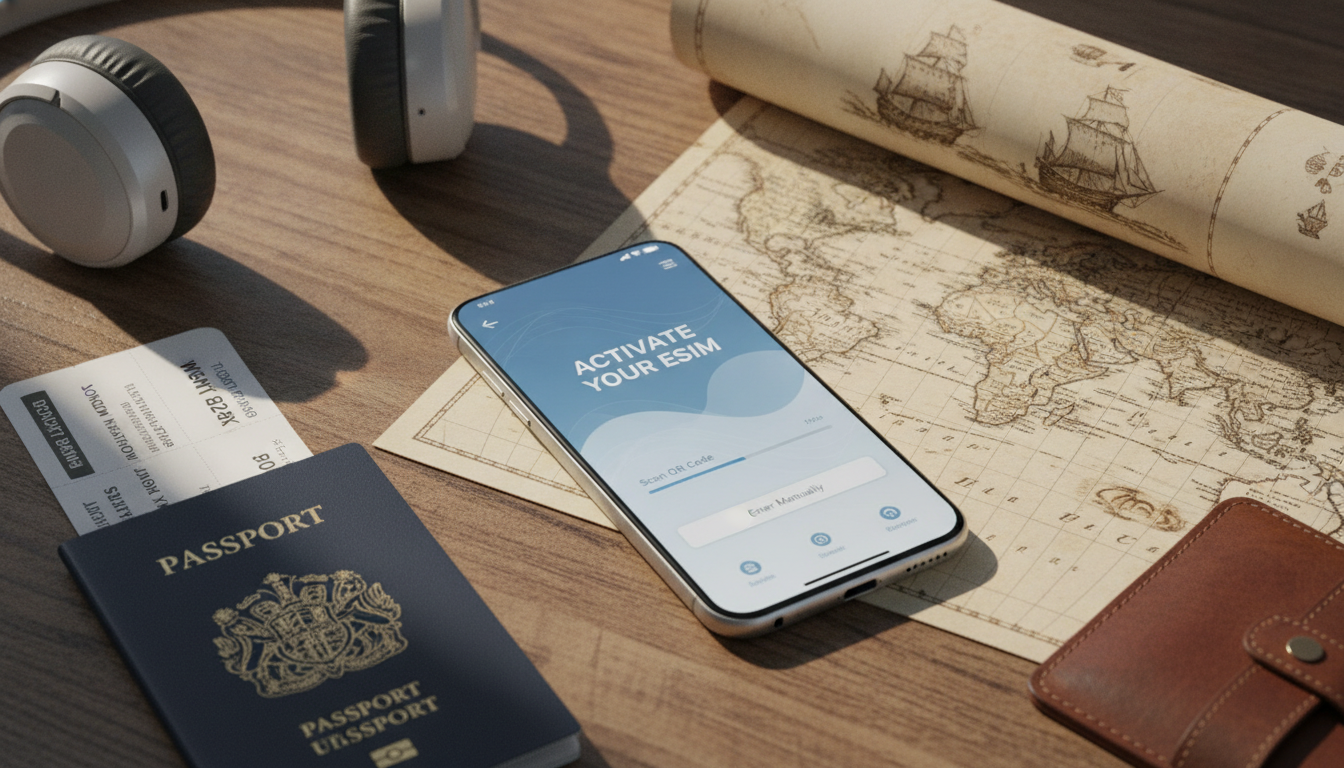
How to Set Up and Use an eSIM for Mobile Phones During Your Travels
If you’re planning a trip and want seamless mobile connectivity without juggling physical SIM cards, setting up an eSIM on your mobile phone is the way to go. An eSIM (embedded SIM) is a digital SIM card that lets you activate a cellular plan without inserting a physical card.
This means you can switch carriers or add travel plans instantly, all from your phone’s settings. But the process involves specific steps and pitfalls that can trip up even tech-savvy travelers.
I always start by checking device compatibility and carrier support before diving into activation to avoid wasted time and frustration.
Understanding What an eSIM Is and How It Works for Mobile Phones
An eSIM is not just a fancy replacement for your traditional SIM card; it’s a fully integrated chip inside your phone that stores your mobile subscription information digitally. Unlike physical SIM cards, which you insert or swap manually, an eSIM can be programmed remotely using QR codes or activation codes provided by carriers.
The Difference Between eSIM and Physical SIM Cards
The key difference lies in the form factor and flexibility:
- Physical SIM cards require manual insertion and removal, which can be inconvenient when switching plans or traveling internationally.
- eSIMs are embedded chips that can hold multiple profiles, allowing you to switch between carriers or plans without swapping cards.
This mechanism means that when you activate an eSIM, your phone downloads the carrier profile securely over the air, eliminating the need for a physical SIM tray change. However, not all phones support eSIM technology yet, so verifying compatibility is crucial.
Compatibility of eSIM With Smartphones
Most recent flagship smartphones support eSIM technology. Apple introduced eSIM support starting with the iPhone XS and XR models, while many Android devices from brands like Google Pixel and Samsung Galaxy also include it.
But some budget or older models still rely solely on physical SIMs.
A common pitfall I see is travelers assuming their phone supports eSIM without checking first. If your device doesn’t support it, attempting to activate an eSIM will fail, causing unnecessary delays during travel preparation.
Step-by-Step Guide to Activating an eSIM on Your Mobile Device
Setting up an eSIM involves several precise steps. Skipping or rushing through any of them can lead to activation errors or loss of connectivity.
Step 1: Confirm Your Phone Supports eSIM
Before anything else, check your phone’s specifications or settings menu for “Add Cellular Plan” or “Mobile Data Plans.” If this option is absent, your device likely doesn’t support eSIM.
Step 2: Choose a Mobile Carrier That Supports eSIM
Not all carriers offer eSIM services yet. In some regions, providers like Orange Travel, Free, SFR, and Bouygues Telecom support it.
La Poste Mobile currently does not offer an eSIM option but plans to launch one by September 2026.
I’d advise against assuming your current carrier supports eSIM without verification; carrier websites or customer service can confirm availability.
Step 3: Purchase or Obtain an eSIM Plan
Once you pick a carrier, you’ll either buy an eSIM plan online or in-store. Many travel-focused providers offer prepaid data plans specifically for tourists with easy activation via QR codes.
The cost of activating an eSIM is generally the same as a physical SIM card; for example, La Poste Mobile charges around €8.25 excluding tax for activation fees on traditional SIMs — expect similar pricing for future eSIM services based on their FAQ.
Step 4: Scan the QR Code or Enter Activation Details
Your carrier will provide a QR code or activation code to download the profile onto your phone. Open your phone’s settings:
- On iPhone: Go to Settings > Cellular > Add Cellular Plan.
- On Android: Settings > Network & Internet > Mobile Network > Advanced > Carrier > Add Carrier.
Scan the QR code or enter the details manually if provided.
Step 5: Set Your Default Line and Data Preferences
If you have multiple lines (physical SIM + eSIM), decide which line handles calls, messages, and data by configuring default settings in your phone’s cellular options.
A frequent mistake is neglecting this step, which can cause confusion with billing or connectivity if calls route through the wrong line.
Common Pitfalls When Using an eSIM While Traveling
Using an eSIM offers great flexibility but comes with traps that can disrupt your trip if you’re not careful.
Overlooking Device Lock Status
If your phone is locked to a specific carrier, activating another carrier’s eSIM profile won’t work until it’s unlocked. This condition leads to activation failures despite correct setup steps.
Losing Connectivity Due to Profile Conflicts
Installing multiple profiles without proper management can cause conflicts where your phone struggles to select the active plan automatically. The mechanism behind this is how phones prioritize profiles based on user settings and signal strength; misconfiguration leads to dropped calls or no data access.
Forgetting Offline Activation Options
Some carriers require internet access during activation. If you arrive in a country without Wi-Fi or roaming enabled on your physical SIM, scanning QR codes won’t work immediately.
I always recommend downloading offline activation files or ensuring Wi-Fi availability before arrival when possible.
Benefits of Using an eSIM for Mobile Service While Traveling
Switching to an eSIM brings several advantages over traditional SIM cards:
- Instant switching between carriers without physically changing cards.
- Multiple profiles stored simultaneously, ideal for managing personal and business lines.
- Reduced risk of losing small physical SIM cards during travel.
- Improved security features, as the embedded chip resists tampering better than removable cards.
The GSMA specification SGP.22 governs remote provisioning of eSIMs, ensuring secure profile downloads and management across devices globally.
The Future of Mobile Connectivity With eSIM Technology
eSIM adoption is accelerating worldwide as carriers expand their offerings and smartphone manufacturers standardize support. By 2026, most major European carriers will provide full-fledged eSIM services with competitive pricing matching traditional SIMs.
For travelers juggling multiple destinations or needing flexible plans, mastering the process of switching to an eSIM now will save time and hassle later on.
How to Choose the Best Mobile Carriers Supporting eSIM Services
Since La Poste Mobile’s official launch of its own eSIM service is pending until September 2026, travelers should consider alternatives available today from major French providers like Orange Travel, Free Mobile, SFR, and Bouygues Telecom. These carriers offer various prepaid and postpaid plans compatible with popular smartphones supporting GSMA-compliant remote provisioning standards.
For international travelers looking for dedicated travel data plans via eSIMs, providers such as Holafly and Stellar Esim offer flexible options with discounts available through codes like MYBESTSIM according to MyBestSim’s verified listings.
I always start by comparing offers on MyBestSim because it aggregates real-time discounts from leading providers — this helps avoid paying full price unnecessarily when switching to an eSIM plan abroad.
Security Features of an eSIM You Should Know About
Unlike physical SIM cards prone to theft or cloning by removing them from phones, embedded SIMs benefit from hardware-level protections:
- Secure storage within the device’s Trusted Execution Environment (TEE).
- Encrypted communication during profile download as per GSMA SGP.22 standards.
- Remote management capabilities allow carriers to disable compromised profiles instantly without user intervention.
These mechanisms reduce fraud risk but require users to keep their devices updated with security patches regularly — outdated firmware can expose vulnerabilities despite the inherent protections of the technology.
Managing Multiple Lines With Double SIM and Dual Profiles
One practical use case I often see among frequent travelers is combining professional and personal lines on one device using dual-SIM functionality enhanced by an eSIM profile alongside a physical SIM card. This setup avoids carrying two phones while keeping numbers separate for work-life balance.
La Poste Mobile highlights this as a genuine alternative to traditional dual-SIM phones by offering digital flexibility without hardware changes — though their own service awaits launch in late 2026 source.
For now, users must rely on carriers already supporting dual profiles via GSMA-compliant provisioning methods available on compatible smartphones.
Troubleshooting Tips When Switching to an eSIM
When switching from a physical SIM card to an eSIM profile:
- Make sure your old SIM service is fully deactivated before activating the new profile; otherwise, network conflicts may occur.
- Keep backup copies of activation QR codes in case you need reinstallation.
- Verify that airplane mode is off during activation; some phones block profile downloads otherwise.
If problems persist after following these steps carefully, contacting carrier support with detailed error messages helps resolve issues faster than guessing causes blindly.
For detailed technical insights into how remote provisioning works under GSMA SGP.22 standards or how QR codes encode activation data securely, check out my article explaining how to activate an eSIM on a mobile device.
By understanding these practical steps and common pitfalls around esim poste mobile usage during travel, you’ll be equipped to enjoy hassle-free mobile connectivity anywhere without fumbling with physical cards again.
FAQ
How do I know if my phone supports eSIM?
Check your phone’s settings for an option like 'Add Cellular Plan' or consult the device specifications online. Most recent flagship models from Apple, Google, and Samsung support eSIM, but many older or budget phones do not.
Which carriers currently support eSIM in my region?
Major French carriers such as Orange Travel, Free Mobile, SFR, and Bouygues Telecom offer eSIM services. La Poste Mobile plans to launch eSIM support by September 2026, so verify carrier websites or customer service for the latest availability.
What are the main benefits of using an eSIM while traveling?
eSIMs allow instant switching between carriers without physical SIM swaps, store multiple profiles simultaneously, reduce the risk of losing SIM cards, and provide enhanced security through embedded chip protections.
How do I activate an eSIM on my mobile device?
After confirming compatibility and purchasing an eSIM plan, scan the carrier-provided QR code or enter activation details via your phone’s cellular settings. Then set your default line for calls and data to avoid connectivity issues.
What common mistakes should I avoid when using an eSIM abroad?
Avoid assuming your phone supports eSIM without checking, neglecting to unlock carrier restrictions, failing to manage multiple profiles properly, and trying to activate without internet access or offline activation files.

David Mercer
David is a travel and consumer-tech writer focused on getting the lowest price on everything, data plans included. At Discount eSIM he hunts down the biggest verified discounts from the major providers and shows how to stack them at checkout.