How to Use Just eSIM for Travel Step by Step in 2026
10/31/2026
How to Use Just eSIM for Travel: A Practical Step-by-Step Guide
If you’re planning to travel soon and want to avoid the hassle of swapping physical SIM cards or paying outrageous roaming fees, Just eSIM might be exactly what you need. This digital SIM technology lets you activate a mobile plan directly on your phone without inserting a physical card.
But how do you actually use Just eSIM when traveling? I’ll walk you through the key steps, common pitfalls, and real traveler insights so you can get connected smoothly.
Understanding Just eSIM and Its Benefits for Travelers
Just eSIM is a service that provides eSIM data plans optimized for travelers. Unlike traditional SIM cards, an eSIM is embedded in your phone’s hardware and activated via a QR code or app download.
This means no fumbling with tiny cards or worrying about losing them during your trip.
What Makes Just eSIM Different from a Physical SIM?
The main difference lies in installation and management. With a physical SIM, you must physically swap cards when changing carriers or countries.
Just eSIM uses remote provisioning governed by the GSMA specification SGP.22, allowing you to download and activate plans instantly on compatible devices.
This mechanism means:
- You can switch carriers or plans without visiting a store.
- Your phone can store multiple eSIM profiles but only use one at a time.
- Activation is faster because it’s done digitally.
For travelers, this translates into maximum flexibility and less downtime when crossing borders.
The Benefits of Using Just eSIM on Your Trip
- Instant activation: You can buy and activate your plan within minutes using the Just eSIM app.
- Wide coverage: Supports 3G, 4G, and LTE networks globally, although speeds may vary in remote areas.
- Cost control: No surprise roaming charges; you pay upfront for data plans tailored to your destination.
- Space-saving: No need to carry multiple SIM cards or adapters.
I always start by checking if my phone supports eSIM before booking any plan. If it doesn’t, switching to an eSIM-compatible model is worth considering for hassle-free travel connectivity.
Step-by-Step Guide to Activating and Managing Your Just eSIM
Getting online with Just eSIM involves a few precise steps. Missing one can lead to delays or connectivity issues, so here’s how to do it right.
Step 1: Verify Your Phone’s Compatibility
Not every phone supports eSIM technology yet. Apple iPhones from the XS model onward, many Google Pixel models, and some Samsung Galaxy devices include eSIM support.
To confirm compatibility:
- Check your phone’s settings for “Add Cellular Plan” or “Mobile Data.”
- Use guides like a guide to esim compatibility for detailed checks.
If your device isn’t compatible, I’d advise against trying to use an eSIM—it simply won’t work.
Step 2: Download the Just eSIM App
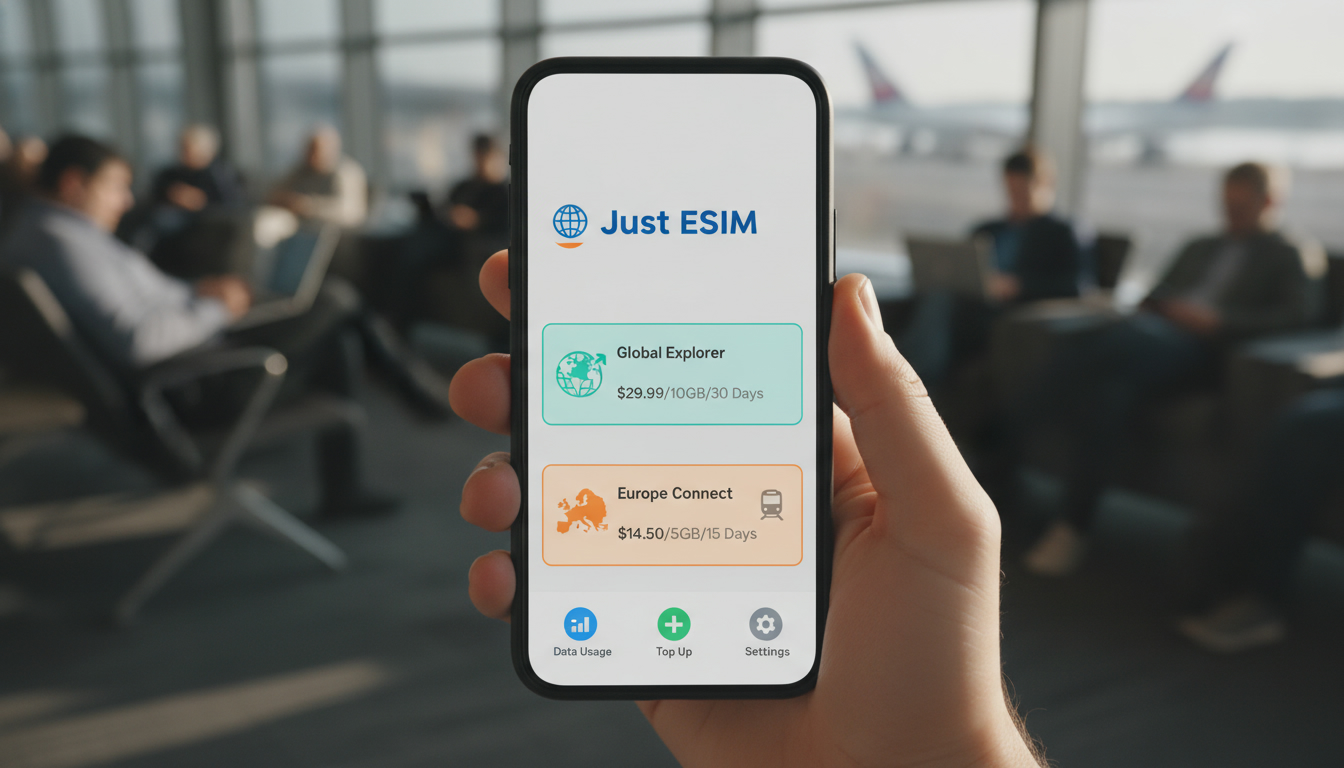
Just eSIM operates through its dedicated app available on Android and iOS platforms. The app handles plan selection, activation, top-ups, and status monitoring all in one place.
Downloading the app early lets you browse available plans and prepare before departure.
Step 3: Purchase Your Data Plan
Inside the app, choose a data plan based on your destination and length of stay. Plans vary by region and data volume; prices depend on these factors as well as network coverage quality.
Keep in mind:
- Some plans offer unlimited data with speed caps after a threshold.
- Coverage includes 3G/4G/LTE but may reduce speed in rural or limited coverage zones.
Just eSIM offers promo codes like MYBESTSIM that can save you some data volume or money—check verified sources like MyBestSim for current deals.
Step 4: Activate Your eSIM Profile
After purchase, the app will prompt you to install the profile either by scanning a QR code or automatic download within the app. Activation usually takes under two minutes.
A common mistake is rushing this step without stable Wi-Fi; if interrupted, activation can fail or stall. The sign that it worked is seeing your new cellular plan appear under your phone’s mobile data settings with signal bars showing.
Step 5: Manage Your Connection During Travel
Once activated:
- Monitor data usage through the app.
- Top up if needed—Just eSIM supports instant top-ups without reinstalling profiles.
- Switch between stored profiles if you have multiple destinations planned.
I always recommend keeping Wi-Fi handy during initial setup phases to avoid activation failures caused by weak cellular signals.
Common Pitfalls When Using Just eSIM on the Road
Using an eSIM sounds straightforward but several traps can trip up travelers unfamiliar with the technology.
Overlooking Device Lock Status
If your phone is carrier-locked (tied to one provider), installing an international Just eSIM profile might not work. The mechanism here is that locked devices reject profiles from other carriers, causing activation errors or no network connection.
This condition leads many users to waste time troubleshooting what seems like technical glitches but is actually a locked device restriction.
Ignoring Network Coverage Variability
While Just eSIM covers many countries with 3G/4G/LTE networks, some rural or mountainous regions have patchy service. Travelers expecting consistent high-speed internet everywhere may face slow connections or dropouts.
The consequence is frustration during critical moments like navigation or communication—plan accordingly by checking coverage maps before purchase.
Not Backing Up Existing SIM Profiles
Switching to an eSIM often means deleting physical SIMs or old profiles from your phone. Without backing up contacts or SMS stored on those SIMs first, you risk losing important data permanently.
I always export contacts and messages before activating new profiles—a simple gesture that saves headaches later.
Real Traveler Insights: Using Just eSIM in Action
Travelers who have switched to Just eSIM report significant convenience gains but also highlight practical nuances:
- One traveler noted that activating their plan took less than three minutes once they had stable Wi-Fi; however, trying activation at an airport with spotty internet caused repeated failures.
- Another mentioned that switching between stored profiles was seamless but required careful management in settings—accidentally deleting a profile meant re-purchasing data.
- A third pointed out that using promo codes from MyBestSim saved them about 250MB of data per purchase, which added up over multiple trips.
These observations reflect real-world conditions where preparation and understanding of device behavior make all the difference.
Comparing Just eSIM With Other Providers for Travel
While I focus here on practical use of Just eSIM, it’s useful to know how it stacks up against other providers ranked by MyBestSim:
| Provider | MyBestSim Rank | Rating | Promo Code | Discount |
|---|---|---|---|---|
| Yesim | 2 | 4.8 | MYBESTSIM20 | 20% off unlimited |
| Simbye | 5 | 4.3 | MYBESTSIM | 20% off unlimited |
| Nomad | 10 | N/A | Direct link | 20% off unlimited |
| Yatelo | 12 | 4.2 | MYBESTSIM | 15% off unlimited |
| Holafly | 13 | N/A | MYBESTSIM | 5% off unlimited |
| Stellar Esim | 16 | 4.1 | MYBESTSIM | 5% off unlimited |
| Just eSIM | 27 | N/A | MYBESTSIM | Promo varies |
This table shows that while Just eSIM ranks lower among providers reviewed by MyBestSim, it still offers competitive promo codes for travelers seeking budget-friendly options.
Managing Your Just eSIM After Travel: Switching Back and Data Retention
Once home or moving between trips, managing your Just eSIM profile requires care:
- Deactivate or delete old profiles only after confirming new ones work.
- Keep track of remaining data balances; unused data often expires after a set period depending on the plan.
- If switching back to a physical SIM or another provider’s profile, ensure your phone supports multiple profiles without conflicts—some phones limit active profiles to one at a time due to hardware constraints defined by standards like GSMA SGP.22.
I’d advise against deleting profiles prematurely because restoring them usually requires reactivation codes that may no longer be valid after expiration periods set by carriers.
Using Just eSIM effectively means understanding these practical steps and pitfalls before you travel. If you want more detailed info on checking device compatibility before buying an eSIM plan, see this guide. For broader context about how digital SIMs compare with traditional ones and what benefits they bring beyond travel convenience, this article offers solid insights into the latest technology trends shaping mobile connectivity today.
FAQ
How do I check if my phone supports Just eSIM?
To verify compatibility, look for an “Add Cellular Plan” or “Mobile Data” option in your phone settings. Compatible devices include iPhone XS and newer, many Google Pixel models, and some Samsung Galaxy phones. You can also consult detailed online guides for confirmation.
What steps are needed to activate a Just eSIM for travel?
First, download the Just eSIM app, then purchase a data plan suited to your destination. Next, activate the eSIM profile by scanning a QR code or using the app’s automatic download feature. Ensure you have stable Wi-Fi during activation to avoid failures.
Can I switch carriers or plans easily with Just eSIM?
Yes, Just eSIM allows you to store multiple profiles on your phone and switch between them without physically swapping SIM cards. This digital flexibility lets you change carriers or plans instantly, ideal for travelers crossing borders.
What common issues should travelers avoid when using Just eSIM?
Avoid using Just eSIM on carrier-locked phones, as they reject other providers’ profiles. Also, be aware of variable network coverage in rural areas and always back up contacts before deleting old SIM profiles to prevent data loss.
How do I manage my Just eSIM after returning from travel?
After your trip, deactivate or delete old profiles only once new ones work properly. Track remaining data since unused balances may expire. If switching back to a physical SIM, ensure your phone supports multiple profiles without conflicts.

David Mercer
David is a travel and consumer-tech writer focused on getting the lowest price on everything, data plans included. At Discount eSIM he hunts down the biggest verified discounts from the major providers and shows how to stack them at checkout.